

Visits that need a supervisor
A tick on an appointment that says a senior person must be on site — and refuses to let it be assigned to anyone else until one is.
Dieser Artikel ist vorerst auf Englisch, Französisch und Spanisch verfügbar. Sie lesen die englische Fassung. Français · Español
Some visits should not be done by a helper alone: a first assessment of a big job, a final walk-through, a client who asked for the boss. When you book an appointment on the Calendar, one checkbox — Requires a senior supervisor on site — turns that into a rule the product enforces rather than a note somebody may read.
This is a setting on an appointment booked from the Calendar. A visit booked from a job page carries no such flag.
Overview
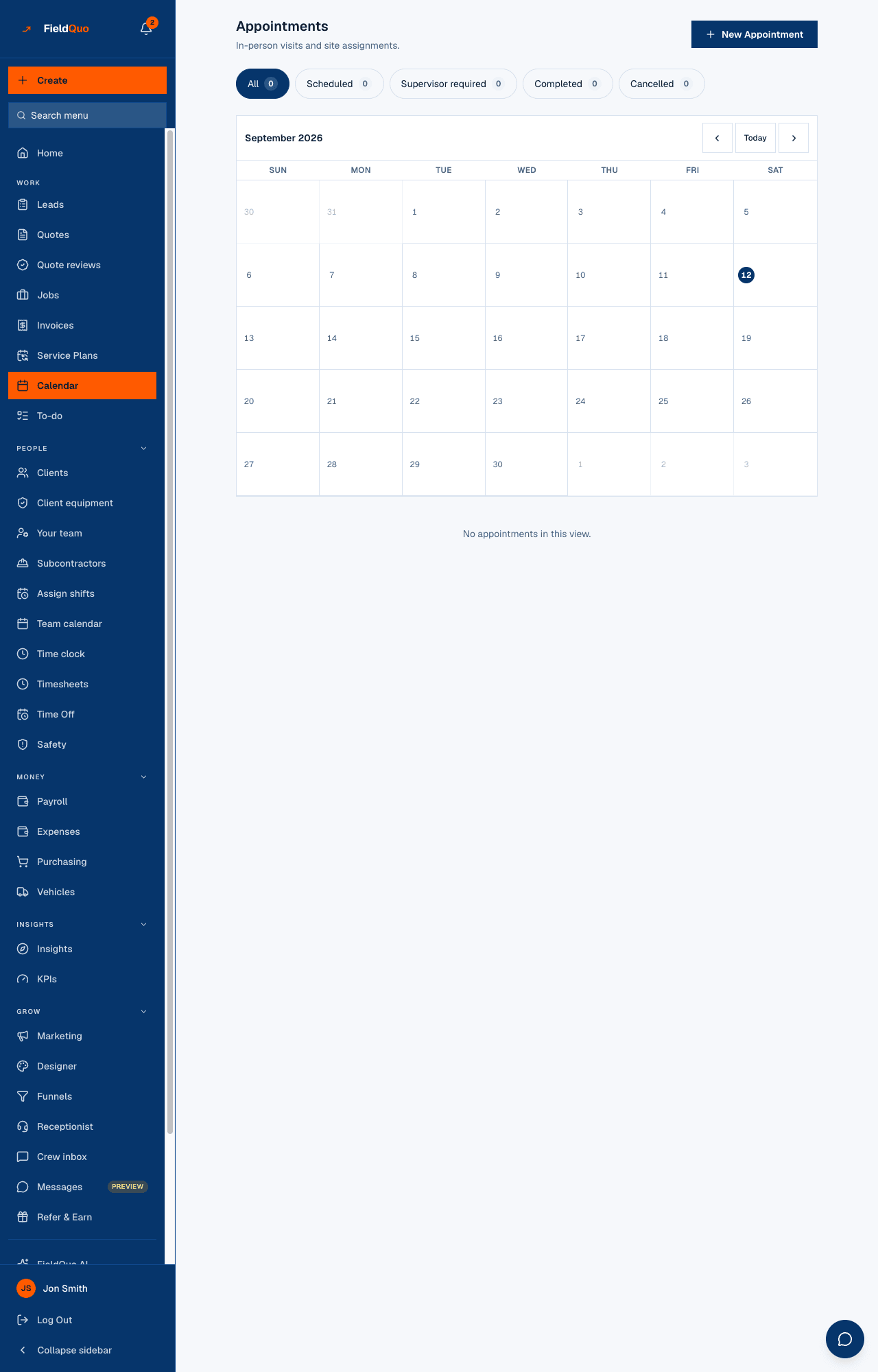
An appointment with the flag shows an amber Supervisor required badge on its row, whoever it is assigned to. While nobody is assigned, its status is Supervisor required rather than Scheduled, and the Supervisor required chip at the top of the Calendar counts it. Assign a supervisor and the status becomes Scheduled on its own.
How to book one
- Open Calendar and press New Appointment.
- Fill in the client, the time and the Location.
- Tick Requires a senior supervisor on site.
- Under Assign to, pick a person. Anyone who is not a supervisor is listed with *(not a supervisor)* after their name, and the server refuses them: This appointment requires a supervisor or admin to be assigned. Or leave it Unassigned and assign later.
What the flag changes
| What changes | Ordinary appointment | Supervisor required |
|---|---|---|
| Who may be assigned | Anyone on the team. | Only the owner, an administrator, or someone at the Dispatcher or Manager level. |
| Status while unassigned | Scheduled | Supervisor required, in amber, until a supervisor is assigned. |
| Assign to me | Shown to a crew member on an unassigned row. | Not shown — the server would refuse the claim, so the button is not offered. |
| Appointment reminders | Sent on the company's lead time. | Not sent while the status is still Supervisor required — see Appointment reminders. |
| Booking-page availability | Counted as booked time. | Counted as booked time as well. |
Who can do it
Anyone who can create an appointment can tick the box. Assigning an appointment to somebody else — flagged or not — needs the owner, an administrator, or the Dispatcher or Manager level; a crew member can create an unassigned appointment or claim an ordinary one for themselves. The reassign rule and the supervisor rule are both checked again on the server, so the dropdown's *(not a supervisor)* hint is a courtesy, not the boundary.
Häufige Fragen
Can I set this on a job visit?
No. The checkbox is on appointments booked from the Calendar. A visit booked from the job page has no supervisor flag; assign the visit to the person you want there.
Why did the client not get a reminder?
Reminders go out only for appointments in Scheduled status. One still waiting on a supervisor is Supervisor required until somebody is assigned.
Can I turn the flag off afterwards?
The checkbox is on the booking form; the row itself does not offer a toggle. Assigning a supervisor is what clears the amber status.
War das hilfreich?