

Follow-up rules
Chase an unanswered enquiry, a quiet quote, an overdue invoice or a finished job by email, automatically, on a delay you choose — and what stops each rule.
Dieser Artikel ist vorerst auf Englisch, Französisch und Spanisch verfügbar. Sie lesen die englische Fassung. Français · Español
A follow-up rule is one sentence: a set time after an enquiry, a quote, an invoice or a job reaches a certain state, send this email template. FieldQuo checks every active rule once a day and sends the template to the client of anything that has crossed the line — an enquiry nobody has answered in two days, a quote sitting at sent for three, an invoice five days past due, a job completed two days ago — without anyone remembering to.
This article covers the Settings → Follow-ups screen: the four triggers, the delay, which templates a rule can send, what pauses and stops one, and who receives nothing.
Overview
Every rule sends exactly one thing by one channel: an email template. There is no text-message follow-up and no in-app task — the screen draws a single Send email step because that is the only step there is. Two rules can share a trigger (a soft nudge at 3 days and a firmer one at 7), each pointing at a different template, and each enquiry, quote, invoice or job gets each rule's email once and only once.
The email goes out under your company's name — from your own verified domain if you have one (see Send email from your own domain), otherwise from FieldQuo's shared address — and replies go to your company email, falling back to the account owner's address so a reply is never lost.
What is on the screen
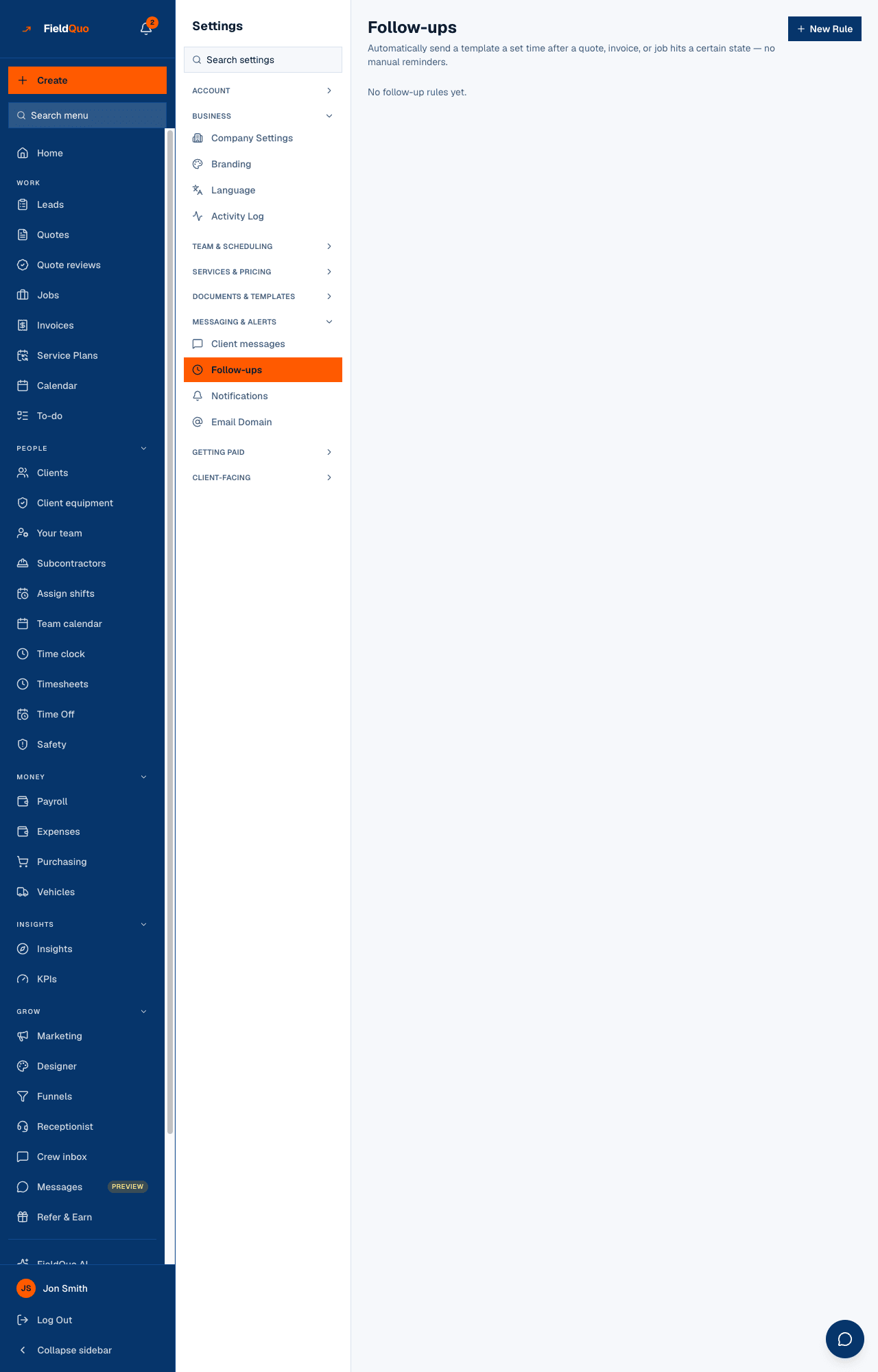
The page is titled Follow-ups — “Automatically send a template a set time after a quote, invoice, or job hits a certain state — no manual reminders.” Top to bottom:
- How these run — a read-only picture drawn from your rules: Trigger → Wait … → Send email → Stops. It is generated from the list, not drawn by hand, so it cannot disagree with what the rules do. It appears only once you have at least one rule.
- The rule list — one row per rule: its name, then “3 days after Quote sent, no response → Quote follow-up (default)”, then the two exit sentences (“Stops as soon as the client accepts or declines the quote.” “Each quote gets this email once.”). A paused rule wears a Paused pill.
- Pause / Activate and the bin icon on each row. Pausing keeps the rule and skips it; deleting removes it.
- New Rule at the top right — greyed out, with an explanation, until you have at least one Follow-up, Marketing or Custom email template to send.
How to create a rule
- Open Settings → Follow-ups and press New Rule. If the button is disabled, the yellow line above says why: you need a Follow-up, Marketing or Custom template first under Email Templates. Every new company already has a “Follow-up email (default)” template, so this is rare.
- Give it a Rule name (optional) — left blank, the rule takes the trigger's name.
- Pick the Trigger: New enquiry, nobody replied, Quote sent, no response, Invoice overdue or Job completed. The sentence under the dropdown says exactly when each one fires.
- Set the Delay and its Unit (hours or days). Choosing a trigger fills in its default — 2 days for an enquiry, 3 days for a quote, 5 days for an invoice, 2 days for a completed job — and you can change it.
- Choose the Template to send and press Create Rule. The rule is active at once and the picture above the list redraws.
Choosing New enquiry, nobody replied adds a line under the dropdown: an enquiry has no quote yet, so a template's quote fields ({{quoteUrl}}, {{quoteTotal}}, {{quoteNumber}}) come out blank. It can fill the client's name, phone and address, your company details, and the service they asked about as the job title.
What each setting changes
| Setting | What it changes |
|---|---|
| Trigger | Which records the rule watches and what counts as crossing the line: an enquiry still at New with no quote and an email address, a quote still at sent, an unpaid invoice past its due date, or a job marked complete (from the moment it was completed, not the last time it was edited). |
| Delay and Unit | How long the record must have been in that state before the email goes. Anything not in hours is treated as days. |
| Template to send | The email the client receives. Only Follow-up, Marketing and Custom templates are offered — never the quote, instructions or receipt templates, which are one-off sends. If the template is later deleted, the row reads (template deleted) and the rule sends nothing. |
| Pause | The rule is kept and skipped. The picture marks the step “Paused — this step is skipped.” Activate turns it back on; anything that crossed the line meanwhile is caught on the next run. |
| Delete (bin icon) | Removes the rule. Emails already sent stay sent, but a rule you create afresh is a new rule and does not remember who the deleted one emailed — a quote still sitting at sent would be chased again. Pause instead if you may want it back. |
When they run, and what stops them
The check runs once a day, so a rule set to 3 days sends on the first run after the third day rather than at the exact hour. On each run, for each active rule, FieldQuo finds every matching record that has not already had this rule's email, sends it, and writes it down — so a rule can never send twice for the same enquiry, quote, invoice or job, even if two runs overlap.
- New enquiry, nobody replied stops once the enquiry is marked contacted, quoted, won or lost — and sending a quote marks it contacted for you. Each enquiry gets the email once.
- Quote sent, no response stops as soon as the client accepts or declines the quote. Each quote gets the email once.
- Invoice overdue stops as soon as the invoice is paid. Each invoice gets the email once.
- Job completed stops if the job is reopened. Each job gets the email once.
Clients with no email address on file are skipped. Jobs, quotes and invoices you imported as past history are never followed up — a rule created today does catch up on last month's real quotes, but not on a 2024 job you typed in for the books.
A Job completed follow-up is marketing in the legal sense (a thank-you, a request for a review), so it carries an unsubscribe link and is not sent to anyone who has unsubscribed from your marketing email. Enquiry, quote and invoice follow-ups answer something the client asked for and carry no unsubscribe link.
Who can see it
The owner, administrators and anyone at the Dispatcher or Manager level can open Settings → Follow-ups and create, pause or delete rules. Crew and Estimator logins do not see the row. See Team and access for how the levels are set.
Häufige Fragen
I created a rule an hour ago and nothing was sent. Is it broken?
Probably not — the check runs once a day. A quote that crossed the delay this afternoon is emailed on the next day's run.
Can a rule send a text instead of an email?
No. Every rule sends an email template and nothing else. The two texts your clients can receive are the on-my-way text and the appointment reminder — see Texting clients: what is automated and what is not.
Will a client get the same follow-up twice if I pause and re-activate the rule?
No. FieldQuo records every (rule, record) pair it has emailed, and a record already on that list is never emailed by that rule again, however often you pause and re-activate it. Deleting and re-creating the rule is different: the new rule starts with an empty list.
War das hilfreich?