

Post to Facebook and Instagram, now or later
What the Publish dialog and the Social calendar do — post now or schedule an approved design to your Facebook Page and Instagram — and the honest state of it today: the connection is waiting on Meta's approval.
Dieser Artikel ist vorerst auf Englisch, Französisch und Spanisch verfügbar. Sie lesen die englische Fassung. Français · Español
An approved design in the Marketing Designer has a Publish button. It opens Publish to Instagram & Facebook: choose the platforms, the shape, check the caption, and either Publish now or Schedule for later. Scheduled posts appear on the Social calendar, where a post can be cancelled before it goes out.
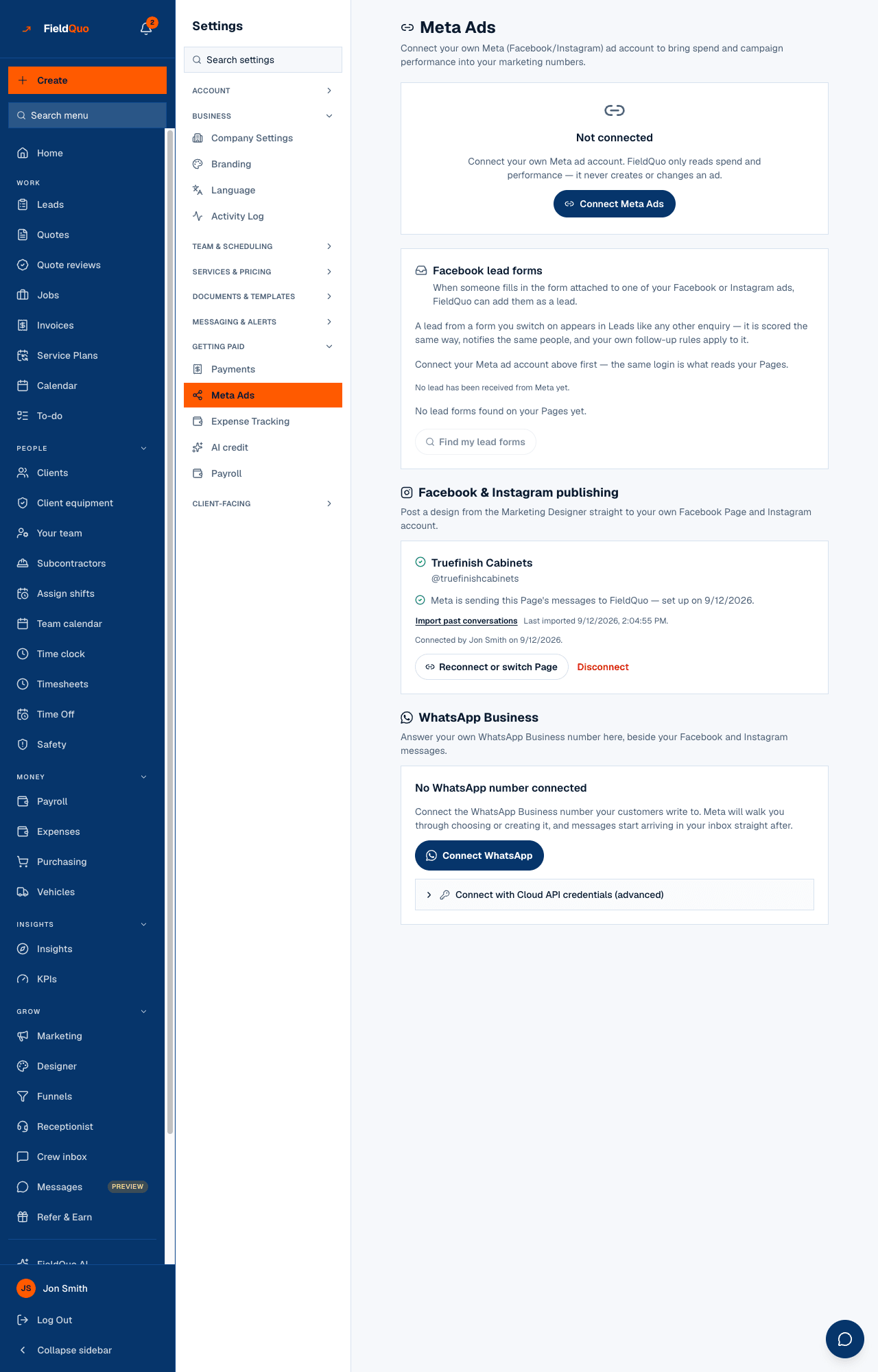
Read this first: posting needs permissions Meta has to grant FieldQuo's app, and that review has not come back yet. Settings → Meta Ads → Facebook & Instagram publishing reads Waiting on Meta's approval, and the Publish dialog says Not connected yet. The workaround is one step — download the post and put it up from your own account — and the approval screen tells you so.
Overview
The whole path is built end to end: the Page connection, the dialog, the scheduler, the calendar and the retry rules. What is missing is Meta's approval of two permissions — posting to a Page and publishing to Instagram — so no real company can connect a Page yet. Nothing is missing on your side, and there is nothing to set up in advance.
What the Publish dialog does
- Post to — Facebook Page and Instagram. Instagram is only offered when an Instagram professional account is linked to the connected Page.
- Shape — Square (1:1) or Landscape (1.91:1), the two crops Instagram accepts. If a crop does not fit Instagram's rules the dialog says so and asks for the other.
- Caption — the approved words, read-only here. Instagram's limits are enforced for both platforms: 2,200 characters, 30 hashtags, 20 mentions.
- Publish now posts at once. Schedule for later shows the windows: “Facebook: 10 minutes to 75 days out. Instagram: at least 5 minutes out — FieldQuo holds it and posts it for you at the right moment.” FieldQuo will hold a post up to 180 days.
A Facebook post scheduled inside Facebook's own window is handed to Facebook's scheduler at once. Every Instagram post — Instagram has no scheduler — is held by FieldQuo and sent by a job that runs every five minutes. Only image posts can be scheduled; Reels and video are not supported, and the calendar says so.
The Social calendar
Calendar in the editor header opens a month grid of every post that is Scheduled, Publishing, Published, Failed, Limit reached or Canceled, filed under the time it was meant to go out. Pick a day to see the posts, and Cancel a scheduled one that has not gone out. A post Meta refused shows the reason; Limit reached means the platform hit Meta's posting limit for the next 24 hours.
What has to be true before a post goes out
| Rule | Why |
|---|---|
| The design is Approved, and unchanged since | A post carries your name; the server recomputes the approval on every publish and refuses a stale one. |
| The caption is the design's | A caption changed in the dialog is refused rather than quietly posted — save it on the design and approve again. |
| Your company has finished checkout | Publishing under the company's name is an outward act, gated like sending a quote. |
| A Page is connected | Today, waiting on Meta — see above. |
Until the approval lands: Review & approve, then Download every size and Copy the caption, and post from Facebook or Instagram yourself. It takes a minute and nothing is lost.
Who can see it
Owners, administrators, managers and dispatchers can approve, publish, schedule and cancel. Connecting the Page, when it becomes possible, is done on Settings → Meta Ads by an owner or administrator, and the one connection also feeds the Messages inbox — see Connecting your Facebook Page and Instagram.
Häufige Fragen
Is there anything I can do to speed up Meta's approval?
No. The review is of FieldQuo's app, not your account. The settings card says “Nothing is missing on your side.”
Can FieldQuo create the paid ad for me?
No. Running an ad needs a further Meta permission FieldQuo does not hold. Download every size and upload it in Meta Ads Manager; the ad's spend then syncs back into Marketing spend.
Can I schedule a Reel or a video?
Not yet — image posts only.
War das hilfreich?