

Stock photos on your website (Unsplash)
Why a new website starts with stock photos in its decorative slots, which slots never get one, how to replace them, and what a visitor's browser sends to Unsplash.
Sa ngayon, available ang artikulong ito sa Ingles, Pranses at Espanyol. Binabasa mo ang bersyong Ingles. Français · Español
A website written from your data on day one has no photos of your work yet, so the builder fills the decorative slots — the header background, the about image, the call-to-action background and up to four service images — with stock photos chosen for your trade. It never puts a stock photo in Our work, the gallery or a before-and-after pair, because those sections say the photos are jobs you did, and a stock photo there would be a false statement to a homeowner.
The photos are loaded from Unsplash's own servers, not copied. That is the one privacy fact in this article, and the reason to replace them: your own work always sells better than a stock house.
Overview
The builder keeps a small set of photos per trade — roofing, exterior, painting, kitchen, flooring, landscaping, concrete, plumbing, electrical, cleaning and a general set — each one looked at by a person before it was pinned. A slot that already holds an image of yours is never overwritten, and a slot gets a placeholder only while it is empty. Nothing in the text of your site is stock: every sentence is written from what you told FieldQuo.
How to replace them
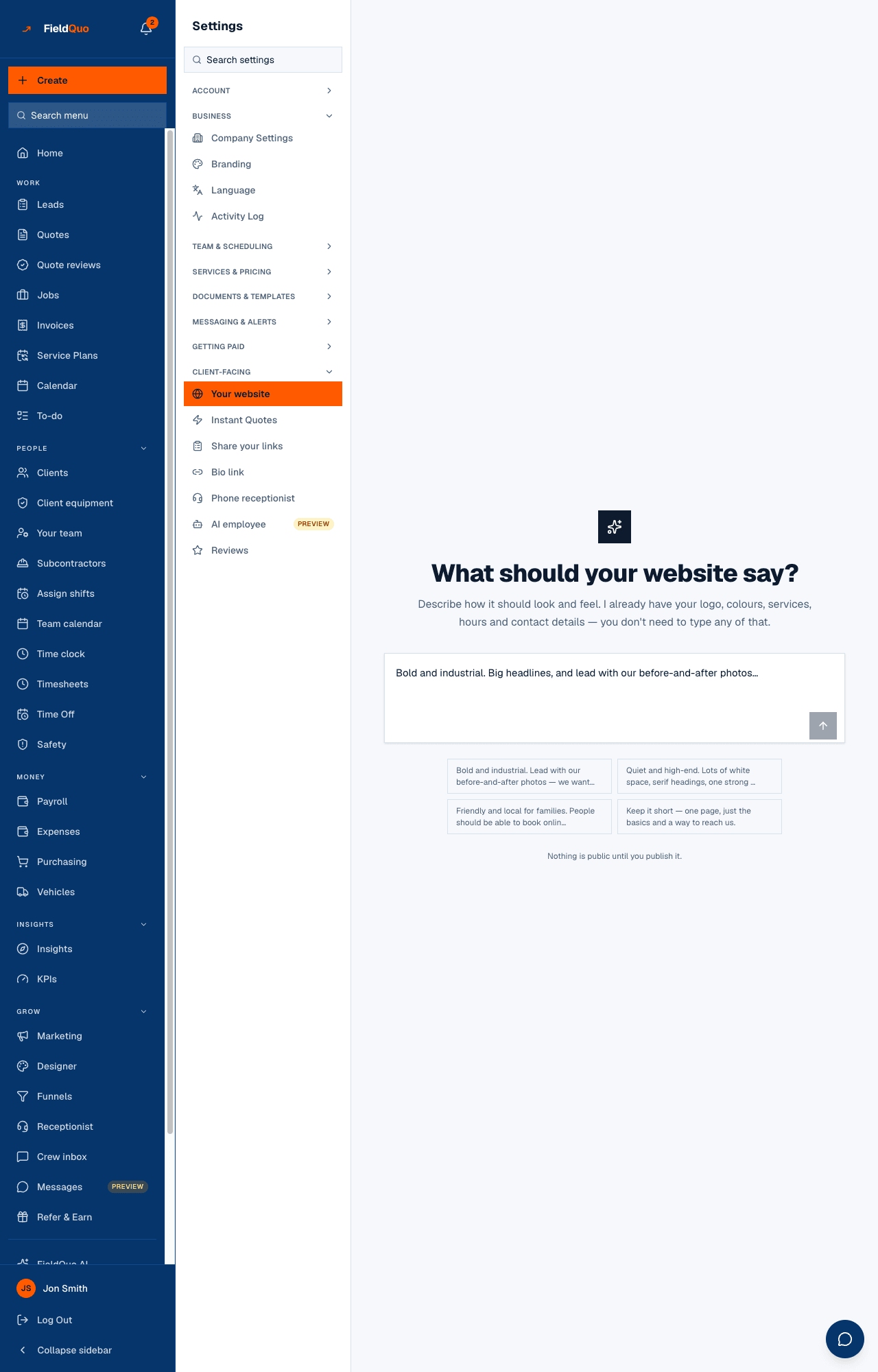
- Open Settings → Your website and press Add my photos to upload your own; they go into your photo library and the gallery.
- In Fine-tune, open the header, about or call-to-action section and use Add photo on its image — or Remove image to leave the slot empty with no stock photo.
- Star photos on a finished job to show them on the site; see Photos and files.
- Press Publish. If any stock photo is still in place, a dialog says {count} stock photos still on your site and explains where they are, with Add my photos right there. You can publish anyway and swap them later.
Regenerating the site keeps the header and about images, the gallery and the before-and-after pairs you set — that is the fix for an earlier version that destroyed uploaded photos on regenerate. It does not keep a hand-set call-to-action or service image; those two slots are rebuilt, so set them last.
What a visitor's browser sends to Unsplash
FieldQuo sends nothing about anyone to Unsplash. But because a placeholder is a link to images.unsplash.com rather than a copy, a homeowner opening your site fetches that picture from Unsplash directly, and Unsplash's servers see their IP address and browser — the same as any hotlinked image on the web. Once you replace a placeholder with your own photo, that request stops; your photos are served from your own storage. No attribution is printed on the site; the licence does not require one.
Where else stock photos appear
The Marketing Designer has a stock tab that shows Unsplash photos with the photographer's name on hover; when you publish a design, the whole canvas is rendered to one image and stored with your files, so the posted ad is not a hotlink. Stock photos are not used in funnels, on the bio link, in PDFs or in quote emails.
Who can change it
The website builder — including uploading and removing photos — is for the owner and administrators. Everyone with a link sees the published site.
Mga madalas itanong
Can I turn placeholders off entirely?
Remove the image from a section and the slot stays empty; a placeholder is only put where a slot is empty at generation. Fill the slots with your own photos and no stock photo remains.
Will my clients know they are stock?
They appear only in the decorative slots, never presented as your work. The publish dialog counts what is left so you decide knowingly.
Nakatulong ba ito?