

Custom Fields
Where extra boxes for clients, properties, quotes, jobs, invoices and team members will be defined — marked Coming soon, because no record shows them yet.
Поки що ця стаття доступна англійською, французькою та іспанською. Ви читаєте англійську версію. Français · Español
A custom field is an extra box for something FieldQuo has no box for — a gate code on a property, a PO number on an invoice, a ticket expiry on a team member. Settings → Services & pricing → Custom Fields is the screen where those boxes are defined.
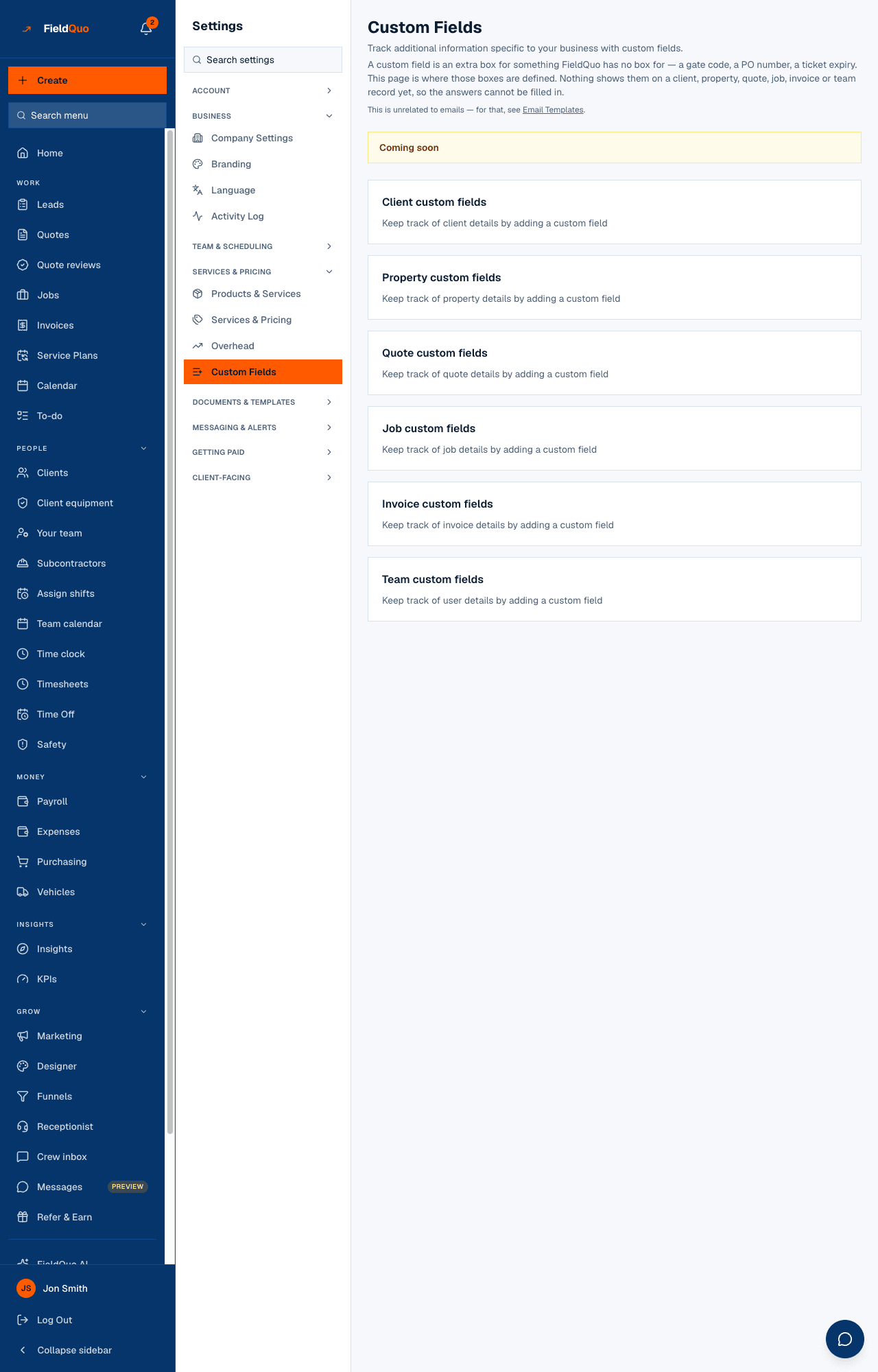
Today the screen carries a Coming soon panel, and the sentence under the title says why: nothing shows a custom field on a client, property, quote, job, invoice or team record yet, so the answers cannot be filled in. FieldQuo does not render a dead Add button over that gap.
What is on the screen
Six sections — Client custom fields, Property custom fields, Quote custom fields, Job custom fields, Invoice custom fields and Team custom fields. Each lists the fields defined for that record type with a type badge (Text, Number, Date, Checkbox or Dropdown) and Required where it was set. A section with none reads, for example, “Keep track of client details by adding a custom field”.
What works today
- Definitions a company created before the Add control was withdrawn are still listed, and an owner, admin or supervisor can still delete one with the trash icon.
- Add Field is not shown. It comes back the day a record form renders a custom field, in the same change that removes the Coming soon panel.
- Nothing here concerns email. The line under the title points you to Email Templates for that.
Who can see it
The row needs user:manage — owners, admins and supervisors — because defining a field would change every record in the company. When the feature ships, employees will see the list read-only, since knowing what “Gate code” is and whether it is required is useful to the person filling it in.
Чи була ця стаття корисною?