

Send a quote
One button emails the quote from your company's name, in the client's language, with the PDF attached and an approval link — and records that it went.
Sa ngayon, available ang artikulong ito sa Ingles, Pranses at Espanyol. Binabasa mo ang bersyong Ingles. Français · Español
Sending is one button, and it does exactly one thing: it emails the client. The status changes to Sent only after the email service has accepted the message, so Emailed 3 July on a quote is a fact, not an intention.
The email carries the substance of the quote — the total, the approve button, what is included, how the work runs — because a homeowner reads three quotes side by side in the same inbox, and a bare link loses to a letter.
Overview
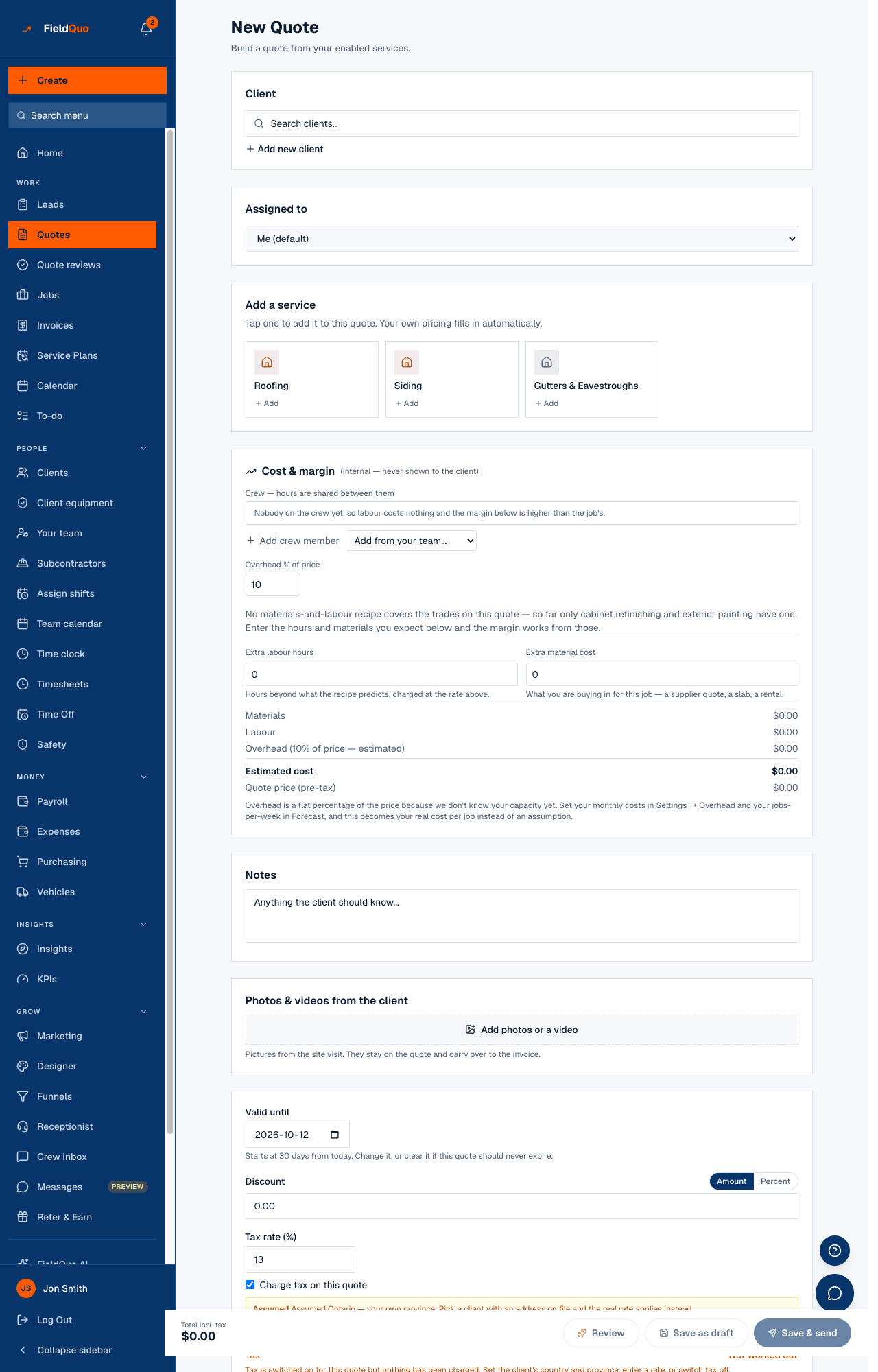
A quote can be sent from two places: Save & send at the bottom of the builder, which saves and sends in one go, and Send on the quote's own page, which becomes Send again once it has gone out. Both ask Send this quote? first — “They'll get it by email straight away. You can't unsend it.” Both use the same route, so they cannot drift apart.
How to send
- Make sure the client has an email address on their record. Without one the send refuses and says whose address is missing.
- Open the quote and press Send — or, in the builder, Save & send.
- Confirm in the Send this quote? dialog. The recipient is named on it.
- Read the green banner: Sent to and the address. The Emailed row underneath keeps the date and address from then on.
- If the client says they never got it, press Send again. To nudge them later, press Follow up — a shorter email with the same link, counted separately.
Sending needs a plan on the account. During the free trial you can build and price quotes freely; the outward act of emailing one is what asks you to finish signing up, and the message says so.
What the client receives
- An email from your company's name — from your own domain once it is verified under Settings → Email Domain, otherwise from FieldQuo's sender carrying your name — with replies going to your company email.
- Subject “Your quote from Easy Roofers Inc. — Q-2026-0012”, the total, an approve button directly under it, then what is included, how the work runs and the expiry date. The approve button repeats at the bottom. See The quote email.
- The quote PDF attached, in your colours — see The quote PDF.
- A link to the approval page, where they read, tick any extras, sign and approve — see The quote approval page and Online approval and signature.
Why a send is refused
- The client has no email address. Add one on their record, then send.
- An instant estimate has not been approved. Confirm the price in Estimate Reviews first — nothing an algorithm priced reaches a homeowner without a person pressing Approve.
- The quote was entered as a past job. Nothing is ever sent for imported history, and the Send button is not shown on those.
- A section of the email is switched on with nothing in it — references or before-and-after photos under Settings → Quote Email. Add the content or take the section off this quote.
- The tax line is unresolved. A quote that charges tax but cannot say which tax is held until you pick a rate, set the client's province, or switch tax off for this quote.
- The account has no plan yet. Finish signing up; the prompt takes you there.
What changes after a send
- A draft becomes Sent. A quote already sent keeps its status and gains a new Emailed date.
- The linked lead, if there is one, moves from New to Contacted on the Leads board.
- Get approved, beside Send, now shows a working client link — a draft's link stays closed — with its status and a place to record an answer given by phone.
- The Activity Log records who sent what to which address, and the quote starts counting in the Quote sent, no response group of the Quotes list until the client answers.
Who can send
Anyone whose access lets them create and edit quotes — Estimator, Dispatcher, Manager, administrators and the owner. View-only access cannot send.
Mga madalas itanong
Can I unsend a quote?
No — the dialog says so before you confirm. You can replace the client link from Get approved, which kills the old one; any email already sent will then stop opening the quote.
The status says Sent but the client never got it.
Press Send again on the quote page. If the send fails, FieldQuo says why — a missing address, an unverified domain — and does not mark the quote as sent.
Which language is the email in?
The quote's own language, fixed when it was created; the client's saved language is used for anything not tied to a document. See A quote keeps its language.
Nakatulong ba ito?