

How FieldQuo works for estimators and salespeople
The Estimator level: write and send quotes with prices, manage clients, read jobs and invoices — and what stays with the office.
The Estimator level is for the person who prices and sends the work but does not run the shop: a salesperson, a second estimator, the owner's partner who does the site visits. It is the level that turns a lead into a quote and gets it signed.
It is a paid seat, because it can create quotes and see every price. It is deliberately not a management level: no people, no payroll beyond your own payslips, no job costs.
Overview
An Estimator can create and edit leads and quotes, add and edit clients, read every note, and see — not change — jobs and invoices. Prices are on. Cost and margin are off, on purpose: an estimator who can see the floor can discount to it.
Your own schedule, your own time, your own expenses. You can report a safety incident and see the ones you filed.
What you can do
- Leads — the board of enquiries from your website, booking link, receptionist and referrals. Move a card, score it, and turn it into a quote.
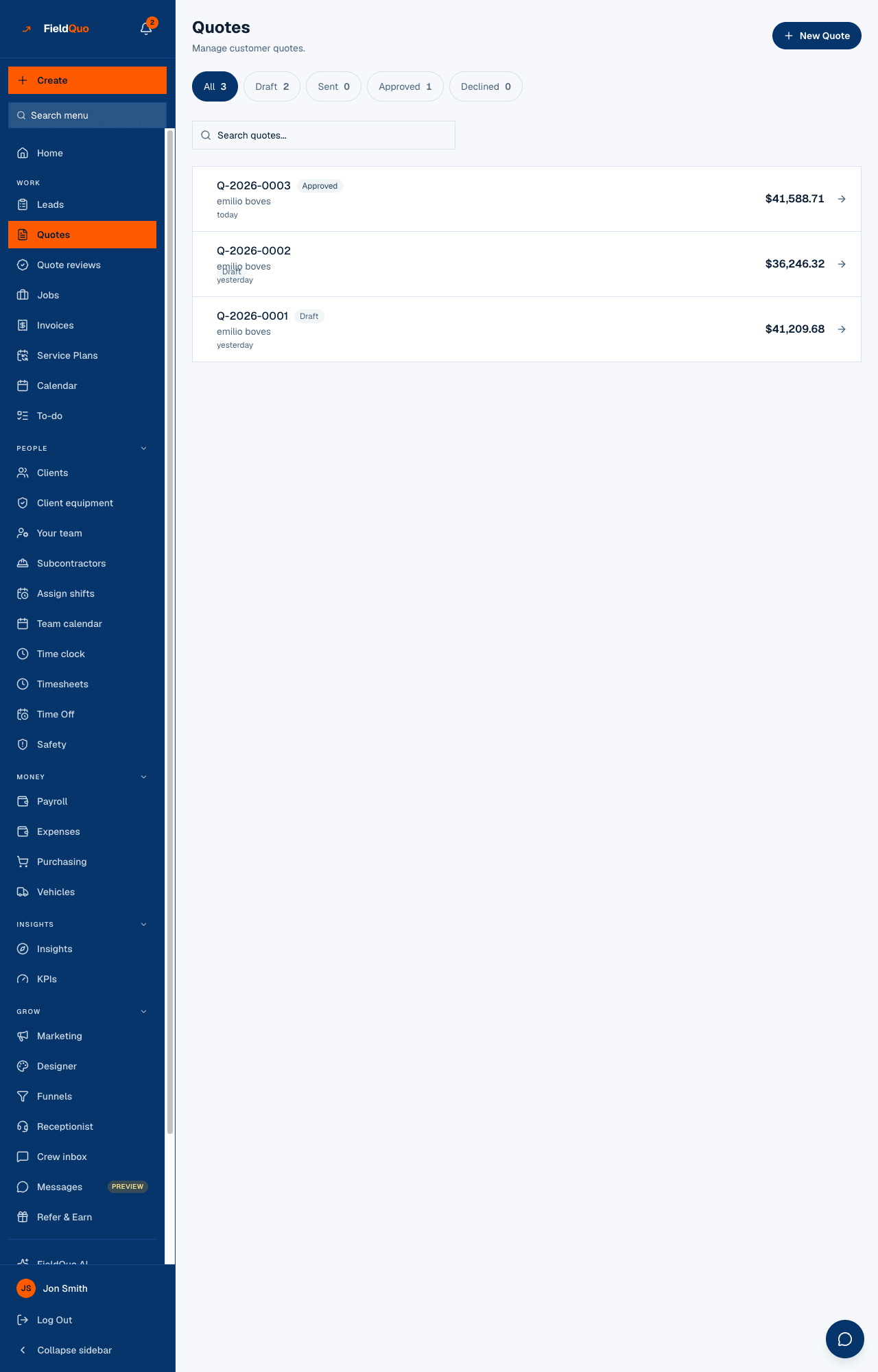
- Quotes — New Quote opens the builder. Lines come from the price book, photos attach, the quote keeps the language it was created in, and Send emails it in your company's name.
- Clients and Client equipment — full records, and the warranty call list.
- Receptionist — the calls the phone agent took, with Draft a quote from this call.
- Insights and Settings → Products & Services, Services & Pricing, Instant Quotes — the price book, the quote types and their rates. You can read them; changing a rate is for the owner or an administrator.
- Calendar, To-do, Chat, Time clock, Time Off, Safety, and your own payslips under Payroll.
From a lead to a signed quote
- Open Leads. A new enquiry sits in New with a Hot, Warm or Cold score. Open the card.
- Convert it — the client and the address carry across into a new quote.
- Build the quote from the price book, group it by room or scope if the job is big, attach photos, and add any optional extras the client can tick.
- Press Send. The client gets an email in their language, opens the approval page, ticks the extras they want, signs, and pays the deposit if you asked for one.
- The quote turns Approved. Turning it into a scheduled job is the dispatcher's or manager's next step — see What happens when a quote is approved.
Who sets this
The owner or an administrator picks the level on Your team — Estimator is one of the five choices in the dropdown — and can open Custom… to give you one more thing without promoting you to Dispatcher. A Dispatcher or Manager can invite an Estimator too, but cannot change one afterwards.
Frequently asked questions
Can I see what the company charged last year for the same job?
Yes — every past quote is in Quotes with its prices, and FieldQuo AI answers questions like “what's my average quote value this month?” from the same records.
Why is there no margin on my quote?
Job costing is off at the Estimator level by design. The owner can switch it on for you in the Custom access editor.
Can I book the site visit myself?
Yes. Calendar and New Appointment are open to you, and so is your own schedule. Assigning a visit to someone else is a dispatcher's action.
Was this helpful?