

Solo in FieldQuo
AI quote review
Before a quote goes out, FieldQuo checks what is missing, how the price sits against the quotes you have already won, and whether any line needs plainer words — and suggests, never edits.
Per ora questo articolo è disponibile in inglese, francese e spagnolo. Stai leggendo la versione inglese. Français · Español
A quote that goes unanswered is rarely too expensive. More often it has no expiry date, one line the client cannot judge, or nothing about what happens after they say yes. The AI quote review reads a saved quote and tells you those things before the client does.
It is two halves. The checks, the price comparison and the add-on suggestions are worked out from your own data and cost nothing. The writing — plainer wording for a line, a draft of the what-happens-next section — is the part a model writes. It reads the quote’s text only; the photos on a quote are read by the paid deep photo read, never by the free review. If the model is unavailable, you still get the first half.
Overview
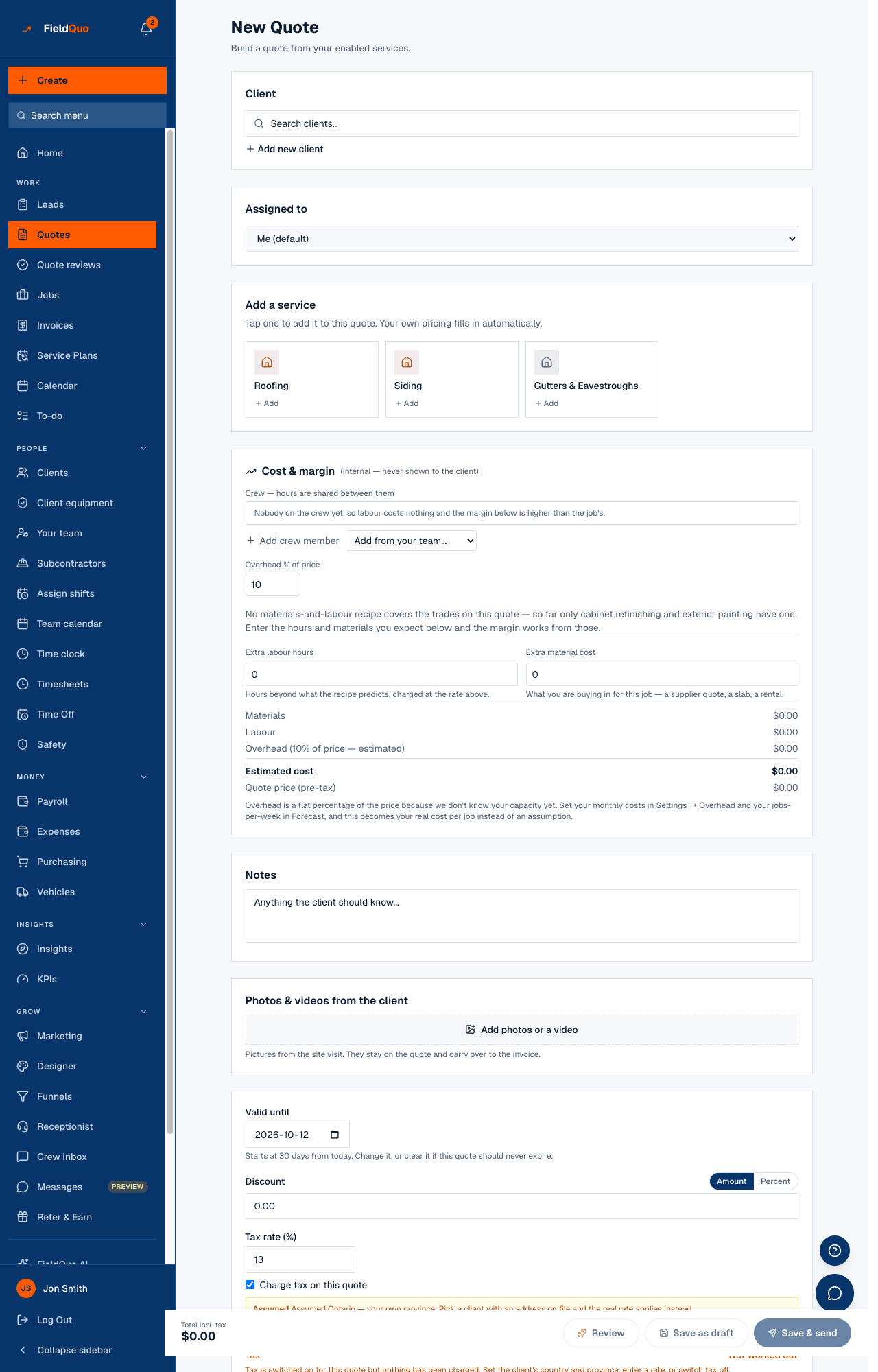
The review lives on the quote's edit page, in the Review & optional extras panel. It needs a saved quote — the review reads what is actually stored, not what is half-typed on the screen — which is why the builder's Save & review button saves a draft first and then opens it with the review already running.
Nothing the review says is written onto the quote for you. A clearer wording is shown beside the original for you to copy in; a suggested add-on becomes an editable row only when you press Add; the what-happens-next draft goes into the notes only when you press Use this. The quote the client receives is always the one you wrote.
The price comparison uses your company's own accepted and declined quotes for the same kind of work, and nothing else. It never looks at another company's prices, and yours never leave your account.
What the review shows
- A readiness figure out of 100, followed by how many things are worth fixing. It is a weighted count of what is missing, not a probability of winning — a quote with nothing missing reads “Nothing obvious missing — this one's ready to send.”
- The checks, each with a severity: no expiry date, already expired, client has no email address, no line items, the whole job on one line, lines the client will not understand (“Labour — $2,400”), lines with no description under the name, nothing about what happens next, no photos, and a discount over 20%.
- Lines with no description is judged the way the client reads the document: a service prints its scope paragraph and “what’s included” list under its name (Settings → Services, and shown folded on each service card in the editor), so “Cabinet Refinishing” over that paragraph is a clear line. Only a bare line with no paragraph above it — a custom group, or a service with no wording — is flagged.
- Price check — in line with what you usually win at, above your usual or below your usual, against the median of your accepted quotes for the same services. It only speaks once you have at least 5 comparable accepted quotes; before that it says so and waits.
- Clearer wording — a struck-through original and a plain-language rewrite for any line a homeowner would not understand. Only lines whose name says nothing get one; a line whose scope paragraph already explains the work is left alone.
- Photos attached — not read by this review — appears when the quote carries photos, with their count. The free review never looks at them; the line names the deep photo read and its price as the thing that does.
- Suggested “what happens next” — a short draft of timing, access, payment schedule and warranty, offered only when the quote has no process notes yet. Anything the model would have to guess is left in [square brackets] for you to fill in.
How to review a quote
- Build the quote as usual. The Nothing obvious missing / Worth a look indicator in the builder runs the same completeness checks live, for free, while you type.
- Press Save & review. The quote is saved as a draft and reopened with the review running.
- On an existing quote, open it, press Edit, and press Review this quote in the Review & optional extras panel. Once a review exists the button reads Review again.
- Work down the list. Copy any rewrite you agree with into the line item, press Add on the extras you want to offer, and Use this on the what-happens-next draft if you have not written one.
Reopening a quote never spends anything: the last review is stored on the quote and shown again with its Last reviewed time. Only pressing the button runs a new one.
What the review does, and does not, do
- It compares against your own history only — the panel says so under the price check — and needs at least 5 accepted quotes of the same kind before it will call a price high or low.
- It never changes a number. No suggested price, no rewritten total; the model is shown the prices so it can write about clarity, not do arithmetic on them.
- It never looks at a photograph. Since September 2026 the review is text-only; what the pictures show is the paid deep read’s job, so nothing here ever costs image tokens or describes a picture the model never saw.
- Each run counts against your company's monthly FieldQuo AI allowance. If the allowance is used up, the button says so and names the day it resets, rather than returning half a review.
- If the model cannot be reached, the checks, the price comparison and the history-based add-ons still come back; only the writing is missing.
Who can run it
Anyone whose access lets them create and edit quotes — the Estimator, Dispatcher and Manager levels, administrators and the owner. Someone with view-only quotes can read a stored review but cannot run a new one. Crew never see quotes at all. The review is not offered on a quote the client has already approved or declined.
Only in FieldQuo
A review of the quote itself — what it lacks, how its price sits against the ones you won, plainer wording — is not listed on the pricing page of Jobber, Housecall Pro, ServiceTitan, Projul or QuoteIQ at any tier. FieldQuo runs it on every plan, and the checks half runs for nothing.
Domande frequenti
Does the review send anything to the client?
No. It reads the quote and writes suggestions for you. Sending is a separate button, and nothing the review produced reaches the client unless you copied it in.
Why does the price check say it has nothing to compare against?
It needs at least 5 accepted quotes for the same services. Two past quotes are a coincidence, not a pattern, and a verdict built on them would be worse than silence. It gets better as you send more.
Where do the suggested add-ons come from?
From services that appeared alongside this quote's services on your own past accepted and sent quotes, priced at the median you actually charged for them. See Upsell add-ons the client can accept.
È stato utile?