

Your website address: subdomain and custom domain
How the address of your FieldQuo site is chosen, the rules a name has to follow, which names are reserved, and why a custom domain is not supported yet.
Per ora questo articolo è disponibile in inglese, francese e spagnolo. Stai leggendo la versione inglese. Français · Español
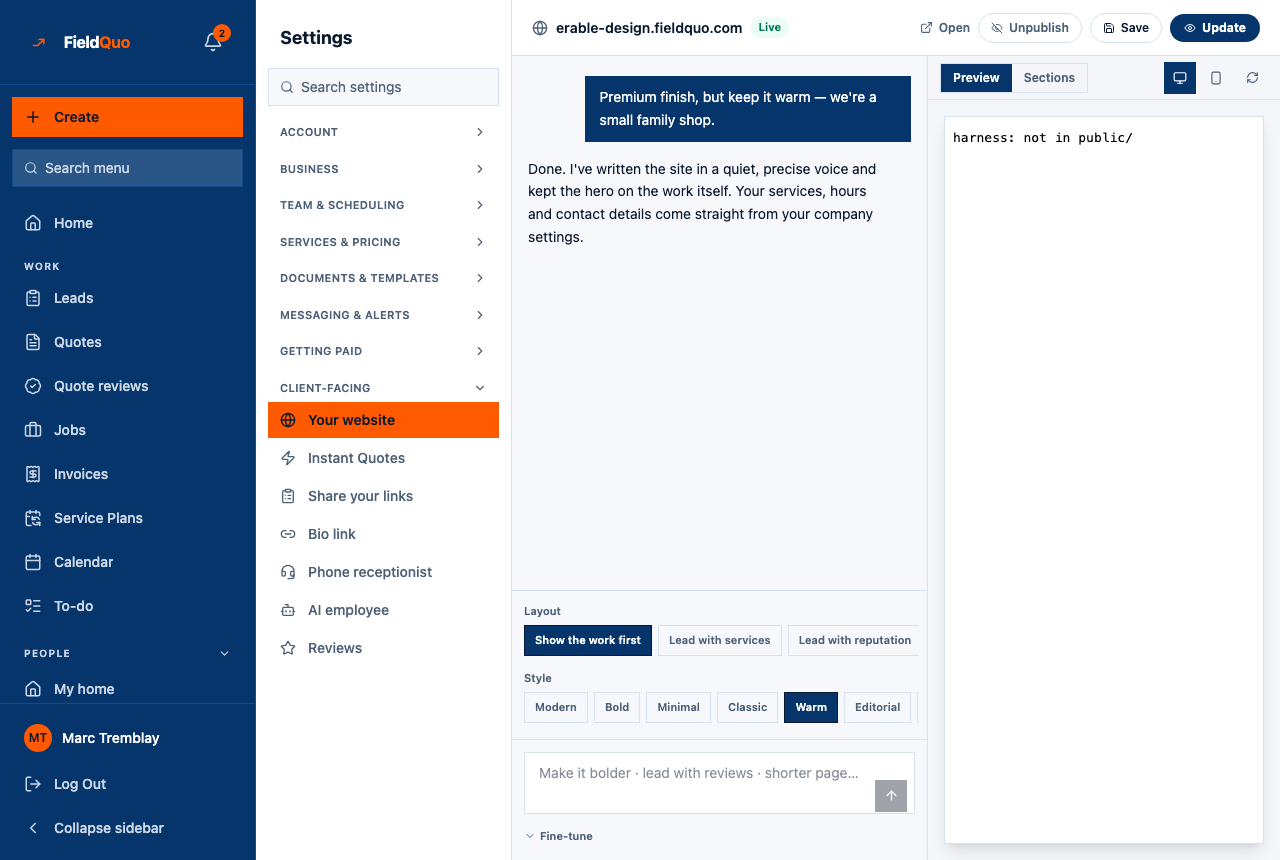
Your site lives at a subdomain of fieldquo.com — yourname.fieldquo.com — shown in the bar at the top of the builder and editable under Fine-tune → Web address. FieldQuo suggests one from your company name on the first save; you can change it any time. Custom domains (your own .com pointing at the site) are not supported today; this article says so plainly so you do not go looking for the setting.
Overview
The address is one word: lowercase letters, digits and dashes. It is what a visitor types, and what the bio link points to once the site is published. Changing it is immediate: the new address answers as soon as you save, and the old one stops — nothing redirects an old address to a new one.
How to choose or change it
- Open Settings → Your website and press Fine-tune under the prompt box.
- Type the word you want under Web address. The suffix is always fieldquo.com.
- Press Save. If the name is taken, reserved or malformed, the save is refused with a sentence that names the problem — fix the word and save again.
The rules a name must follow
- At least 3 characters and at most 63 — the hard limit of a single web-address label, not a product choice.
- Lowercase letters, numbers and single dashes only. No spaces, no accents, no dots.
- It cannot start or end with a dash, and cannot contain two dashes in a row.
- It must not already belong to another company — the save says … is already taken. Try another.
- It must not be on the reserved list below.
Reserved names
Some names are refused however free they look: www, app, api, admin, platform, sales, help, book, quote, portal, refer, site, mail, support, docs, status, blog, shop, pay, billing, login, signup, account, dashboard, demo, fieldquo, official, security and a few dozen more of the same kind.
This is a security boundary, not a naming preference. Login cookies are shared across every fieldquo.com subdomain, so a company owning app.fieldquo.com could read other companies' sessions. The list errs on the side of refusing; a refusal costs you ten seconds and a different word.
Custom domains
FieldQuo does not support pointing your own domain at your FieldQuo site, and there is no field for one. Subdomains only is a deliberate scope decision, not an oversight. If you already own a domain with a website on it, keep that site and put FieldQuo's booking, quote and review widgets on it — see Embed booking and quote forms on any site — or put your FieldQuo address on the bio link and your Google listing.
Domande frequenti
Can I have two addresses for one site?
No. A company has one subdomain; changing it replaces the old one.
Will Google find my site?
A published site is indexable and carries the title and description the assistant wrote. An unpublished site, the embed pages and funnels are marked not to be indexed on purpose.
My company name gives a reserved or invalid word — what now?
FieldQuo already fell back to a usable suggestion (often your name with a suffix such as -site). Type any word that passes the rules; it does not have to match your legal name.
È stato utile?