

Replay the setup walkthrough
The five-step guided tour that greets a new account, what it points at, and how to play it again from the Help screen.
ਇਹ ਲੇਖ ਫ਼ਿਲਹਾਲ ਅੰਗਰੇਜ਼ੀ, ਫ਼ਰਾਂਸੀਸੀ ਅਤੇ ਸਪੈਨਿਸ਼ ਵਿੱਚ ਉਪਲਬਧ ਹੈ। ਤੁਸੀਂ ਅੰਗਰੇਜ਼ੀ ਸੰਸਕਰਣ ਪੜ੍ਹ ਰਹੇ ਹੋ। Français · Español
The first time you land on Home, FieldQuo runs a short walkthrough: five cards, each pointing at a row of the sidebar. It shows once per person and never nags again. If you skipped it, or you want to show it to somebody looking over your shoulder, you can replay it from Help.
Overview
The walkthrough is in the language you use the app in, and each card carries Skip, a step counter (“2 of 5”), and Next — Done on the last one. On a phone it opens the sidebar drawer itself to point at the row.
The five steps
| Step | Points at | What it says |
|---|---|---|
| 1 | Leads | Leads land here — every enquiry from your website, booking link or instant estimate. Start of the pipeline. |
| 2 | Quotes | Turn them into quotes — build a branded quote, send it, get it approved and paid. |
| 3 | Quote reviews | Instant estimates to approve — a homeowner's instant price lands here for you to confirm before it is binding. |
| 4 | FieldQuo AI | Ask FieldQuo AI — questions about your own numbers, answered from your data. |
| 5 | Settings | Set up your business — branding, services, pricing, payments and your instant-quote rates. Worth ten minutes up front. |
How to replay it
- Open Help at the bottom of the sidebar.
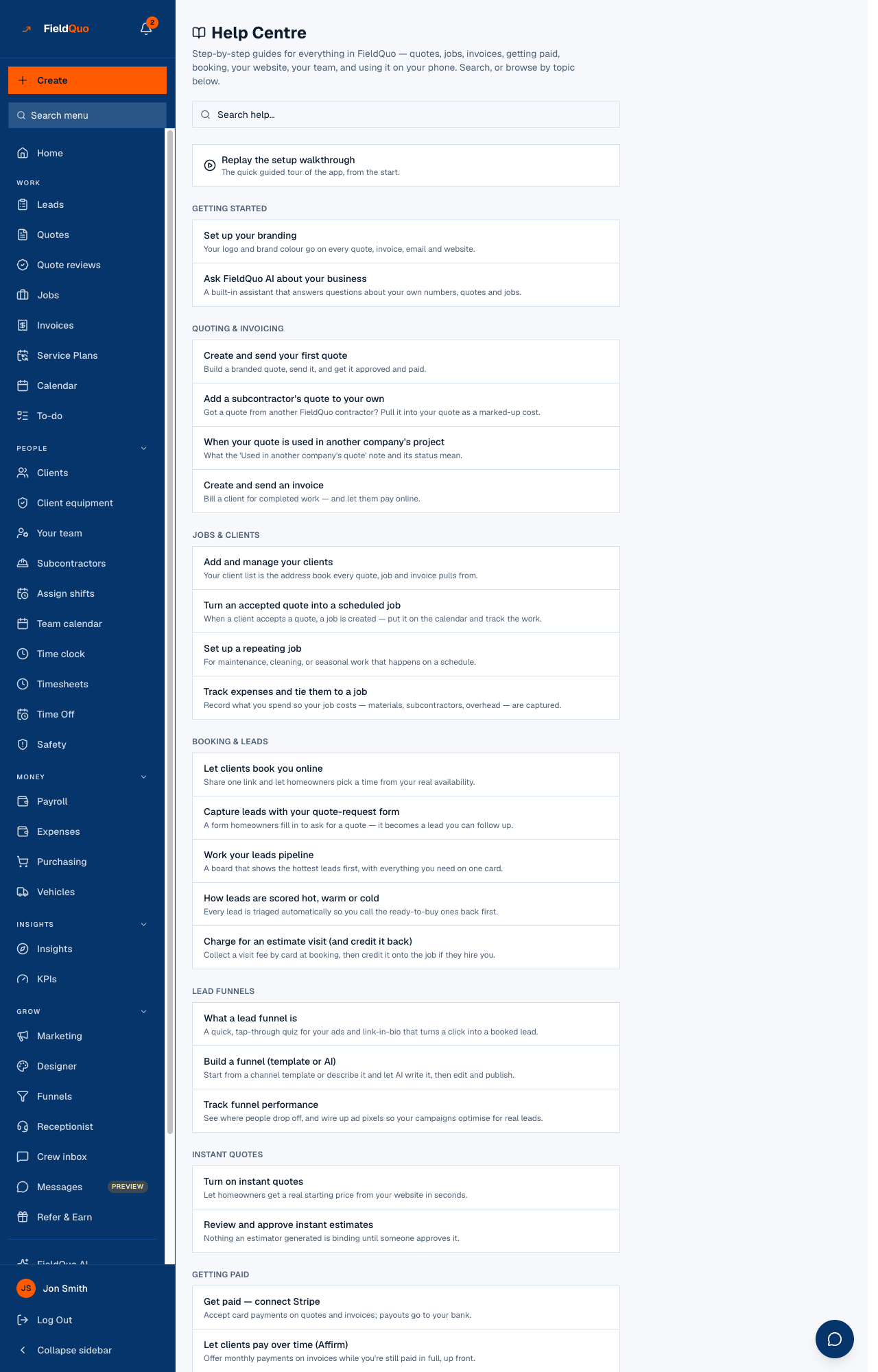
- Press Replay the setup walkthrough — the card under the search box that says “The quick guided tour of the app, from the start.”
- FieldQuo forgets that you saw the welcome tour and takes you to Home, where it starts again from step 1.
What replaying changes
- It resets the welcome tour for you only. A teammate's tour is untouched.
- Only the welcome tour is reset. The short tours on other screens — Leads, Quotes, Jobs, Invoices, Scheduling and the rest — each run once on their own the first time you open that page, and stay seen.
- Nothing about your company changes. It is a per-person note that says “not seen yet”.
ਅਕਸਰ ਪੁੱਛੇ ਜਾਂਦੇ ਸਵਾਲ
Why did the walkthrough not appear for a new team member?
It runs the first time each person lands on Home. If they went straight to another page from the invite, it waits for their first visit to Home.
Can I turn the tours off for everyone?
No. Each tour shows once per person and records itself as seen; there is no company-wide switch.
ਕੀ ਇਹ ਮਦਦਗਾਰ ਸੀ?