

Cancel your subscription
How the Cancel plan button works: the reason step, the offer step, the warnings that apply to your company, and the thirty days of read-only that follow.
Sa ngayon, available ang artikulong ito sa Ingles, Pranses at Espanyol. Binabasa mo ang bersyong Ingles. Français · Español
Cancelling is a button on Account & Billing, not an email to support. Before the plan ends, FieldQuo asks why you are leaving, may make one offer that fits the reason, and then tells you — in the plain words below — exactly what stops, what keeps running, and what does not happen. A plan you are paying for ends on the date you have paid to — nothing more is charged, and Resume before that date costs nothing. A trial ends the moment you confirm. Either way the account then stays open read-only for 30 days, and nothing is deleted.
Read this before you press the button, because two of the things that keep running after a cancellation cost money: a rented phone number, and automatic phone-credit top-ups.
Overview
Pressing Cancel plan opens a short flow: Before you go (why you are leaving), sometimes One thing first (an offer), then Cancel your plan (the consequences and the confirmation). What confirming does depends on whether you have paid. On a paid plan the subscription is booked to end on your next billing date: the status stays Active, the card reads *Your plan ends on {date} — nothing more will be charged*, and everything keeps working until then. On a trial the subscription ends at once, because nothing has been paid for. When the plan actually ends, its status becomes Cancelled and a 30-day read-only window starts. After it, the account locks until someone resumes.
Nothing is refunded — but nothing is lost either. A paid month or year runs to the date on your invoice and you keep working until then. A trial ends on the button press, and the free trial is not offered again: one free trial per company, ever. Restarting after a trial cancellation is charged on the day.
How to cancel
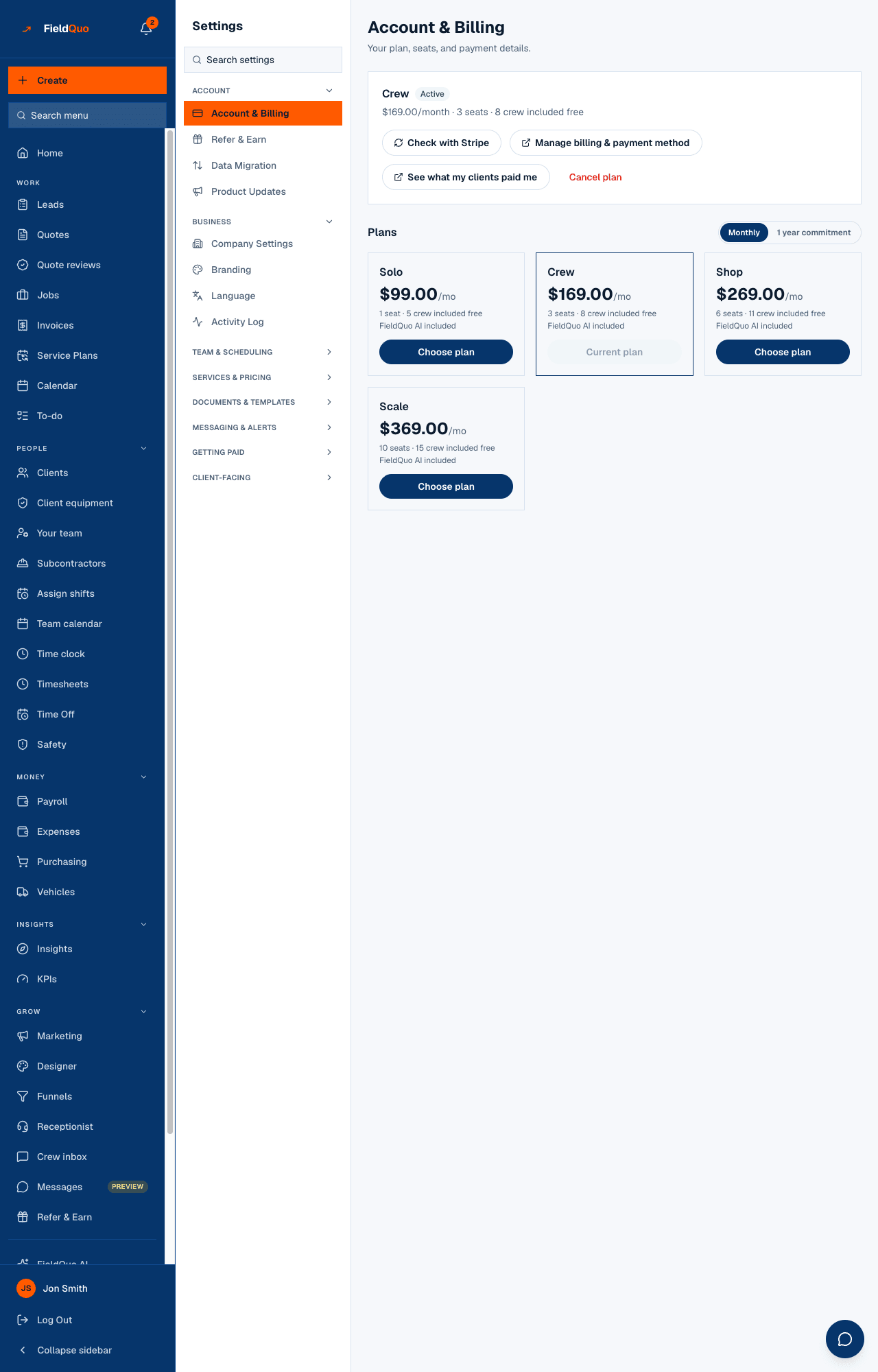
- Open Settings → Account & Billing and press Cancel plan, under the plan card.
- Before you go — the screen shows what you have built up (quotes, clients, invoices) and asks what is making you cancel: too expensive, paying for people who do not use it, seasonal work, not using it enough, a missing feature, moving elsewhere, closing the business, or something else. Pick one, or press Skip this and cancel.
- One thing first — if an offer fits, it is shown here (the table below). Take it and the plan stays; or press No thanks — cancel my account.
- Cancel your plan — read the consequences, add a note if you like (it is the only way we find out what to fix), and press Cancel my plan. Keep my plan closes the flow with nothing changed.
- An email confirms it. On a paid plan the card now reads *Your plan ends on {date}* with a Resume button; the Cancel plan button is gone. On a trial the card reads Cancelled with the date it happened, and the actions left are Resume and Choose a different plan — a cancelled subscription cannot be paused, discounted or changed, only resumed or replaced.
Everything in the flow is decided on the server. The offer you see is the one your account is entitled to, and a cancellation is only ever recorded once Stripe has actually ended the subscription.
The offers
| Offer | When it appears | What it does |
|---|---|---|
| Drop to fewer licences | Only on an older per-licence plan with more licences paid for than people using them | Reduces the licence count on your Stripe subscription from the next invoice, with the unused part credited |
| Pause until you are busy again | Any plan, once every 12 months | Stripe stops issuing invoices while the account is paused — no bill piles up to settle on return |
| 25% off for 2 months | Any plan, once every 12 months | Your next 2 invoices drop by 25%, then the normal price returns |
The pause and the discount share one 12-month cooldown: take either and neither is offered again for a year, and the screen says from what date the next one is available. Reducing licences is not a concession — it corrects an overcharge — so it never starts the cooldown. On the four-rung ladder (Solo, Crew, Shop, Scale) the licence offer never appears, because those plans are not priced per licence.
What happens after you confirm
- Read-only for 30 days. Everyone can still open FieldQuo, read everything and download any quote or invoice as a PDF, but nobody can change anything. A banner across the top counts the days.
- Then locked. After the 30 days the account stays shut until the plan is started again. Nothing is deleted at any point; starting again gives all of it back.
- Your clients keep every link. Quotes, the client portal and invoice pay pages still open, and anything they pay still reaches your own Stripe account.
- No refund, no loss. A paid period runs to its date and you keep full access until then; the screen states that date before you confirm.
- Resume is one button, on the banner and on Account & Billing, and it says on its face what pressing it does. On a plan booked to end: *Resume* — the booking is removed and the plan continues, nothing charged. On a paid plan that already ended with weeks left: *Resume — nothing charged until {date}* — the weeks you paid for are honoured on the new subscription. On a plan cancelled during its trial: *Restart — your first month is charged today ({amount})* — the free trial is not offered a second time. If Stripe has no card on file for you, Resume opens a Stripe checkout instead, with no trial. Choose a different plan is still on the same screen for a different tier.
Sort these out first
The confirmation step lists only the warnings that are true for your company — a painter with no phone number is not told about one. Each is something you can only do while the account is still writable, so do it before confirming.
- A rented phone number is not handed back. Its monthly rent keeps coming out of your phone credit; when the credit cannot cover it you get 7 days' notice and the number is then released for good. Release it yourself first if you would rather choose the moment.
- Phone credit is not refunded. Whatever balance you bought stays a balance.
- Automatic phone-credit top-ups stay on. If a card is saved for them, it keeps being charged whenever the balance runs low. Switch them off on the phone settings page first.
- Service plans with a saved payment method keep running. Invoices keep going out and your clients' cards keep being charged on schedule. Cancel those plans first if that is not what you want.
- Unpaid invoices stay payable by the client, but once you are read-only you cannot edit, re-send or chase them.
- Your website and booking page stay live. New booking requests keep arriving, and after the 30 days you will not be able to open the account to see them. A small “Site by FieldQuo” line returns to the footer then. Unpublish the site first if you would rather it went quiet.
Who can cancel
The owner and administrators. A Manager, Dispatcher or Estimator does not see Account & Billing at all, and the cancel request is refused on the server for anyone below owner or administrator — the subscription is the company's commercial relationship with FieldQuo, not a scheduling permission.
Mga madalas itanong
Can I cancel at the end of my billing period instead of today?
That is what the button does on a paid plan: it books the end for your next billing date, nothing more is charged, and you keep working until then. A trial ends immediately instead, because there is no paid period to run out.
I cancelled during my free trial. Can I restart for free?
No. Each company gets one free trial. Resume on a trial-cancelled plan is labelled *Restart — your first month is charged today* with the amount, and the charge is taken when you press it. Referral months are not a trial and are unaffected.
I paid for a year. Do I get the rest back?
No — you keep it. The plan runs to the end of the year you paid for and ends then; the screen says the date before you confirm. Press Resume before that date and it simply continues.
Will my data be deleted after the 30 days?
No. Locked is not erased. To have data actually deleted, see Closing your account and your data.
Nakatulong ba ito?