

Import past jobs from your old system
Record work that was won, done and paid before FieldQuo — one job at a time or a year in one CSV — so the year's numbers are whole, and nothing is sent to the client.
Sa ngayon, available ang artikulong ito sa Ingles, Pranses at Espanyol. Binabasa mo ang bersyong Ingles. Français · Español
Past jobs — Record jobs you did and were paid for before using FieldQuo, so the year's numbers are whole. The page says the important thing in its own words: This is data entry: nothing is emailed, texted or called to the client, now or later.
Each past job becomes a quote, a completed job and a paid invoice, dated as you type them, so revenue, estimate accuracy and the client's history all read correctly from the day you switched.
Overview
Two ways in: Enter one past job, a form, or Or upload a year at once, a CSV reviewed row by row before anything is written. Both reach the page from Past jobs on the Jobs list, and from the Import older jobs row on the dashboard's set-up card.
What is created
For each past job: the client, if new; a quote marked accepted; a job marked completed; an invoice marked paid, with a payment on the date you gave, by cash, cheque, e-transfer or a card taken elsewhere; and, if you gave labour or materials costs, an expense for each. Every record carries the note Entered as a past job, and every cron and send button skips them.
Enter one past job
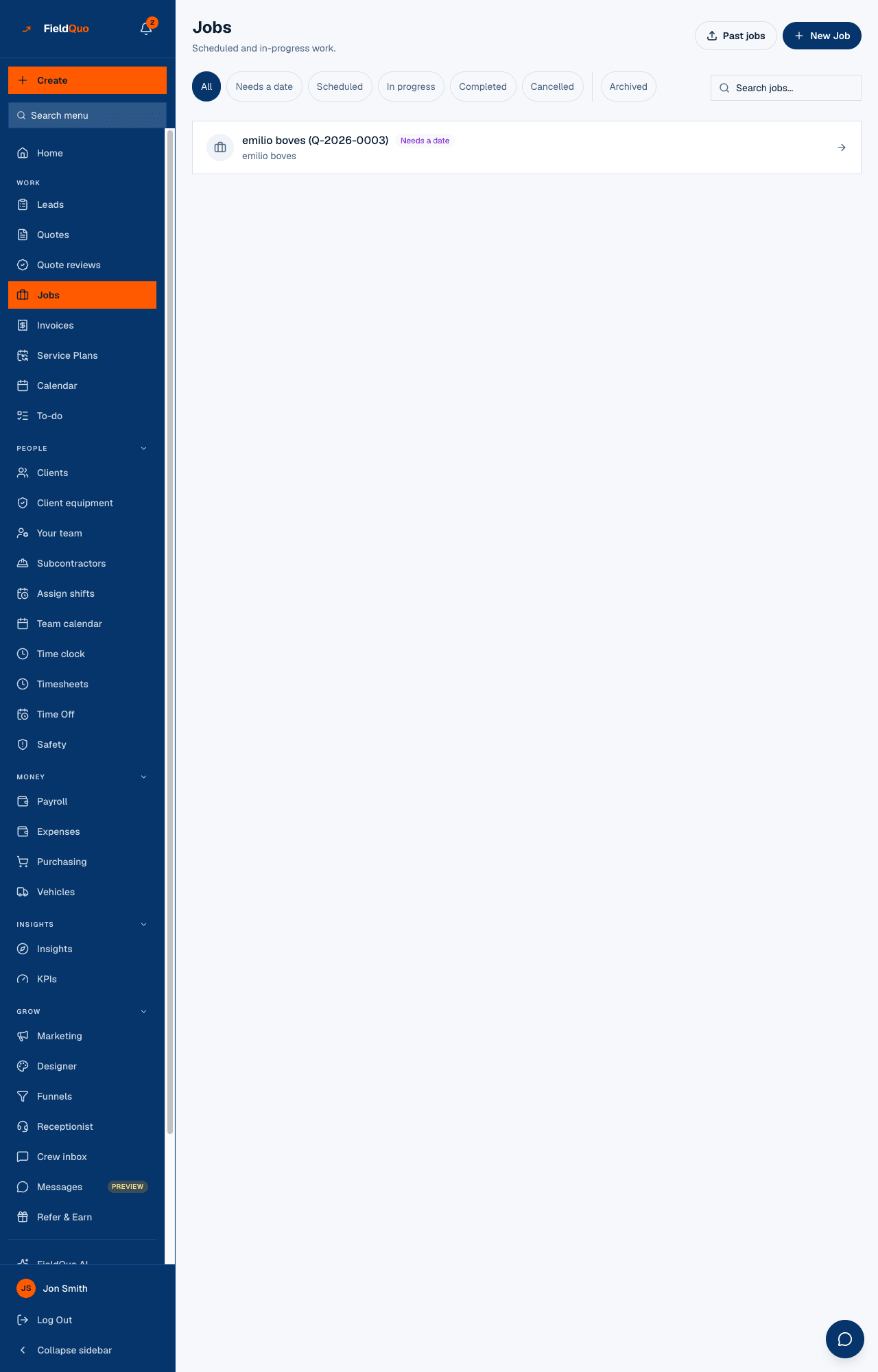
- Open Jobs → Past jobs.
- Under Client, Pick an existing client or choose New client and type the name, email, phone and address.
- Fill the service, description, job start and end dates, the amount before tax, whether Tax was charged on this job (worked out from your rate on the job date), the paid date and Paid by. Labour cost, materials cost, quote and invoice numbers are optional.
- Press Enter this past job.
- The confirmation reads Entered {title} — {total} paid {date}, with Open the job and, if one was created, New client added: {name}.
Upload a year at once
Download the template gives you the exact headers. One row per job, up to 500 rows per file; the page explains each column under What each column means.
| Required column | What goes in it |
|---|---|
| client_name | The client, matched to an existing card by contact details or created. |
| description | What the job was. |
| job_start | A date written YYYY-MM-DD. |
| amount_before_tax | The price, more than zero. |
| paid_date | When you were paid — never in the future, never before the job started. |
| payment_method | cash, cheque, e_transfer or card_elsewhere. |
Optional: client_email, client_phone, client_address, service, job_end, tax_applied (yes/no), labour_cost, materials_cost, quote_number, invoice_number.
- Press Choose a CSV file. Every row is checked on the server and shown back with a Status: Ready, Already on file, or the fields to fix.
- Read the summary — ready to enter, already on file, need fixing, new clients — and fix anything flagged in the file.
- Press Enter N past jobs. The result reads Entered N past jobs. and, when it applies, N were already on file and were left alone.
Duplicates and errors
- A job is Already on file when the client name, job start, amount and paid date all match one entered before. It is never entered twice — a file uploaded twice, or two tabs, cannot double your revenue.
- Rows that need fixing are left out. Fix them in the file and upload again; the rows that were ready go in without them.
- A file longer than 500 rows is cut: Only the first 500 rows were read. Put the rest in a second file.
- A quote or invoice number you supply must not already exist, and must not look like a live FieldQuo number.
Who can enter past jobs
Someone who may create quotes, jobs and invoices and can see prices: dispatchers, managers, administrators and the owner. Rows that create a new client also need the level that adds clients. An estimator can write quotes but not jobs or invoices, so this screen refuses them.
Mga madalas itanong
Will the client get an email?
No. Not on entry, not from a follow-up rule, not from a review request. The page says so and the server keeps it.
Do past jobs count in my dashboard and reports?
Yes — that is the point. Revenue, money received, win rate and the client's history all include them, dated when they happened.
I entered one with the wrong amount.
Open the job and its invoice from Open the job and correct them like any other record. The natural key uses the amount, so re-entering the corrected row would create a second job — edit, do not re-import.
Nakatulong ba ito?