

Cancel or archive a job
Cancelled says the work did not happen; Archived says you are done looking at it. They are different facts, they live on different controls, and one of them is reversible.
Sa ngayon, available ang artikulong ito sa Ingles, Pranses at Espanyol. Binabasa mo ang bersyong Ingles. Français · Español
A job has a status — Needs a date, Scheduled, In progress, Completed, Cancelled — and, separately, it can be Archived. A job can be Completed *and* archived; it can be Cancelled and still sitting in the list. This article says what each one changes and which to use.
Overview
| What changes | Cancel | Archive |
|---|---|---|
| What it says | The work did not, or will not, happen. | Filed away. Says nothing about the work. |
| Where | The status dropdown on the job page. | The Archive button on the job page. |
| The Jobs list | Shown under the Cancelled chip. | Hidden until you press the Archived toggle. |
| The calendar | Its visits stay until you cancel each one. | Its visits leave the calendar and the dashboard counts with it. |
| Reversible | Yes — set the status back. | Yes — Restore. |
How to cancel a job
- Open the job and choose Cancelled in the status dropdown next to the title.
- If the job came from a quote, the *schedule this job* task on your to-do list closes itself.
- Press Cancel visit on each of its visits — on the job page or the calendar. It asks for an optional reason and, unless you untick it, emails the client in their language that the office cancelled. Cancelling the job does not cancel its visits; they stay on the calendar and would still get a reminder text.
A cancelled job keeps everything on it — hours, expenses, photos, notes. It never gets a review request, its recurrence stops rolling forward, and its chat room moves under Finished jobs.
How to archive a job
- Open the job and press Archive. The badge Archived appears beside the status; the button becomes Restore.
- On the Jobs list, press the Archived toggle at the end of the chip row to see the drawer. It shows archived jobs only — never both at once.
- Press Restore on the job to bring it back.
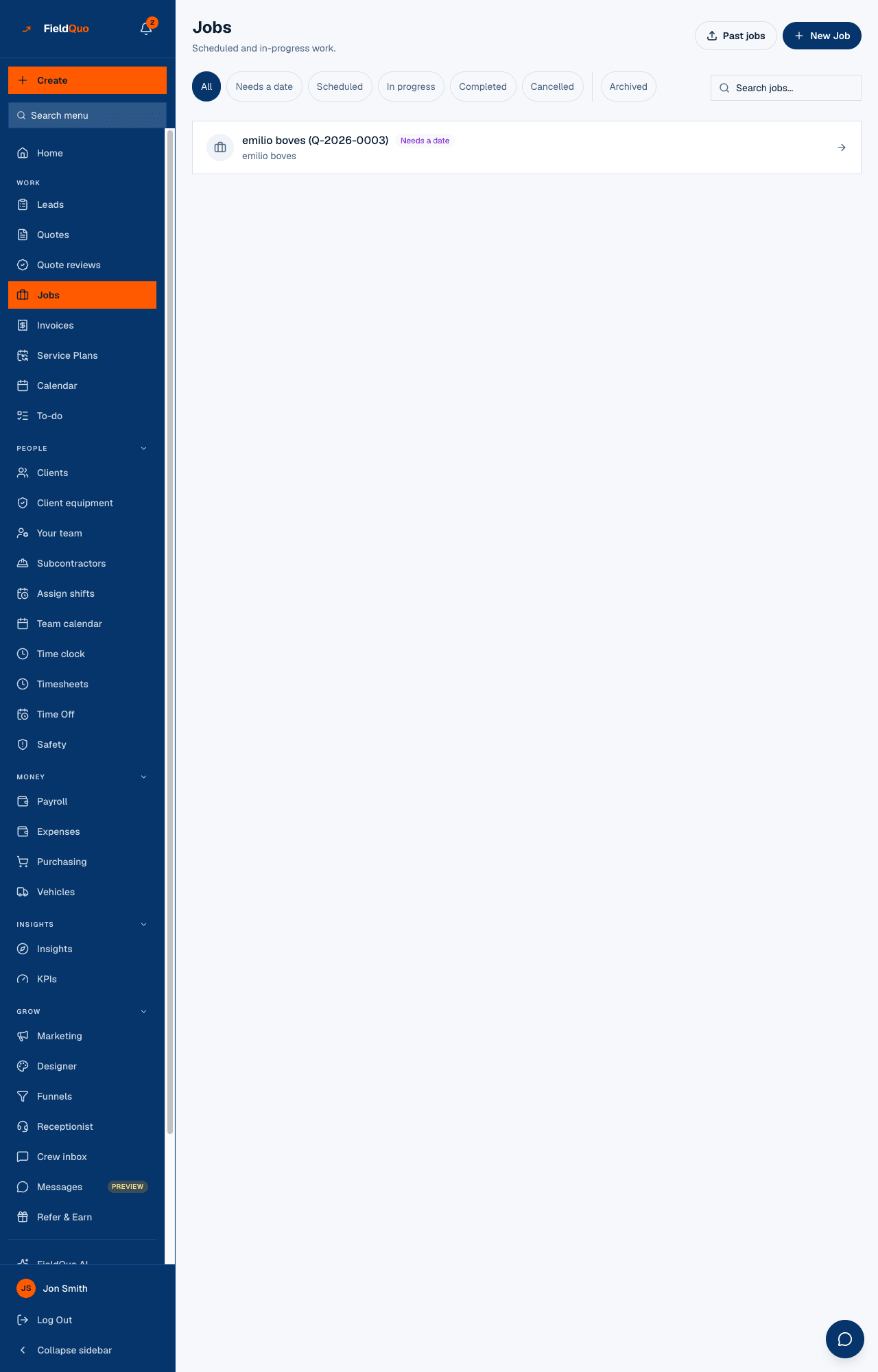
Archiving a job also closes the *schedule this job* task and records Archived job … in the Activity Log. Its chat room moves under Finished jobs.
When to delete instead
Delete exists for a job that was made by mistake and has nothing on it. It asks first — Delete this job? *The job and its visits are removed for good. The quote and any invoice stay where they are. If work has already been logged against it, cancel it instead.* A job carrying time entries or tasks is refused: those are records of work, and history gets cancelled, not erased.
Who can do it
- Cancel and Archive / Restore: Jobs: View, create, and edit — Dispatcher, Manager, administrators, the owner.
- Delete: Jobs: View, create, edit, and delete — Manager, administrators, the owner.
- Crew and Estimator see the status badge and the Archived badge, and none of the three controls.
Mga madalas itanong
Should I cancel or archive a job that fell through?
Cancel it. Cancelled is the honest status, and the job stays visible under its own chip. Archive it as well if you never want to see it again.
I archived a job and its visits vanished from the calendar. Is that a bug?
No — that is what archiving does. Restore the job and the visits come back.
Can I archive a job that is still in progress?
Yes; archived is not a status. It will not show on the list or the calendar until restored, so do it only when you are done with it.
Nakatulong ba ito?