

When a job is completed
Marking a job Completed stamps the finish, raises two tasks, starts the clock on the review request and any follow-up rule, and opens the cost review — and does not raise an invoice.
Sa ngayon, available ang artikulong ito sa Ingles, Pranses at Espanyol. Binabasa mo ang bersyong Ingles. Français · Español
Completed is one option in the status dropdown on the job page, but the moment it is chosen is the one a lot of the product keys off. This article lists exactly what fires, what does not, and what happens if you reopen the job afterwards.
How to mark a job completed
- Open the job and choose Completed in the status dropdown.
- FieldQuo stamps the completion time — once, on the first flip, and never moves it afterwards.
- If job costing is on for you, the cost review opens: This job is done — is its cost? — see Job costing.
Marking every visit complete does not complete the job, and completing the job does not complete its visits. They are separate facts on separate records.
What happens next
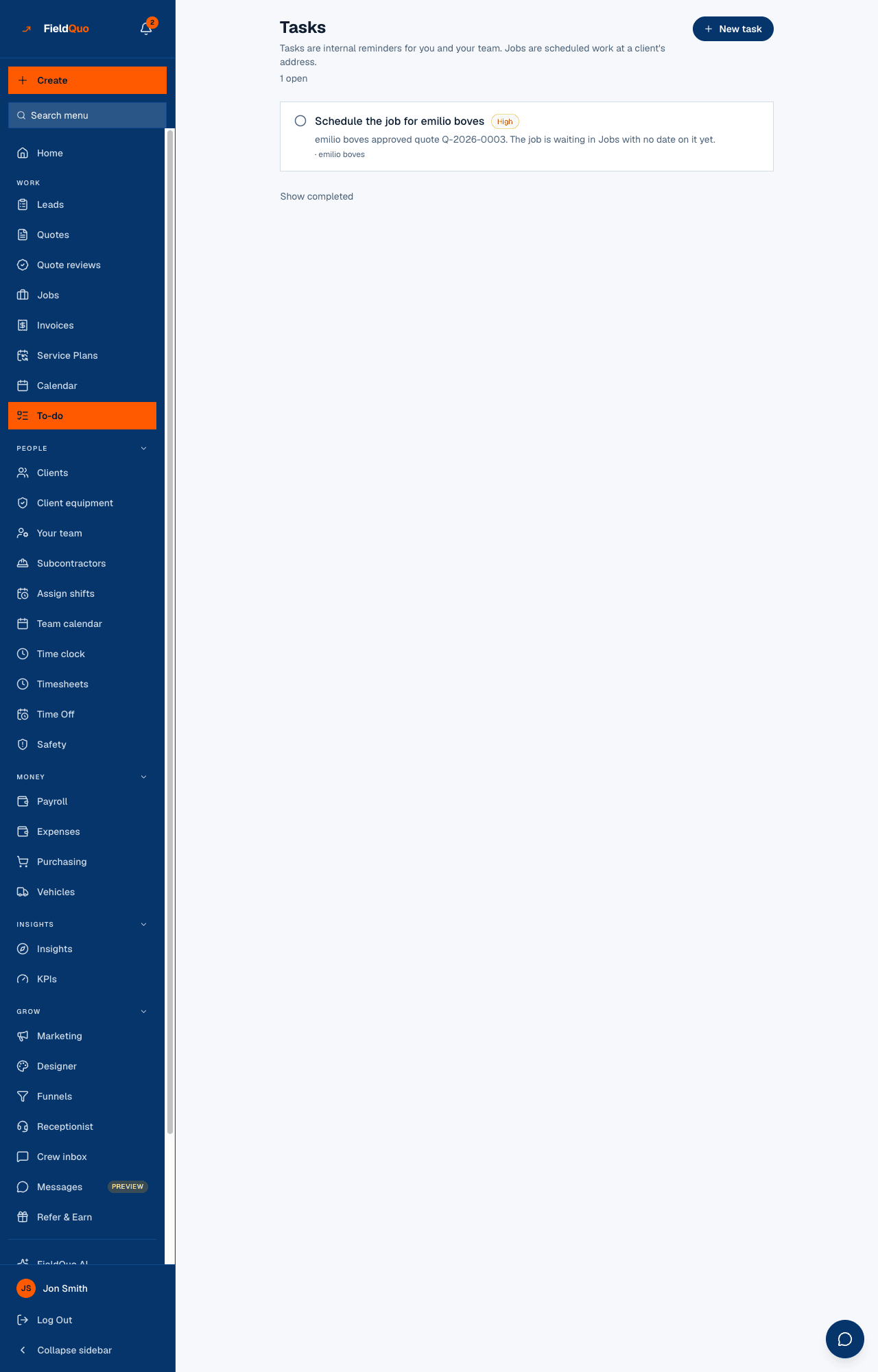
- A task Ask {client} for a review appears on your to-do list, due in two days.
- A task Review what "{job}" actually cost appears, due in three days.
- If the job came from a quote, the *schedule this job* task closes.
- The job's chat room is kept with its history and moves under Finished jobs.
- A recurring job stops generating the next occurrence.
- The review-request clock starts, and so does any Job completed follow-up rule you have set up under Follow-up rules.
The review request
With Ask automatically on under Settings → Reviews and a review link saved, every client with an email address gets one message after their job is marked complete — never more than one. When to ask sets the delay, from 2 hours later to A week later; the default is the next day. See Review requests after a job.
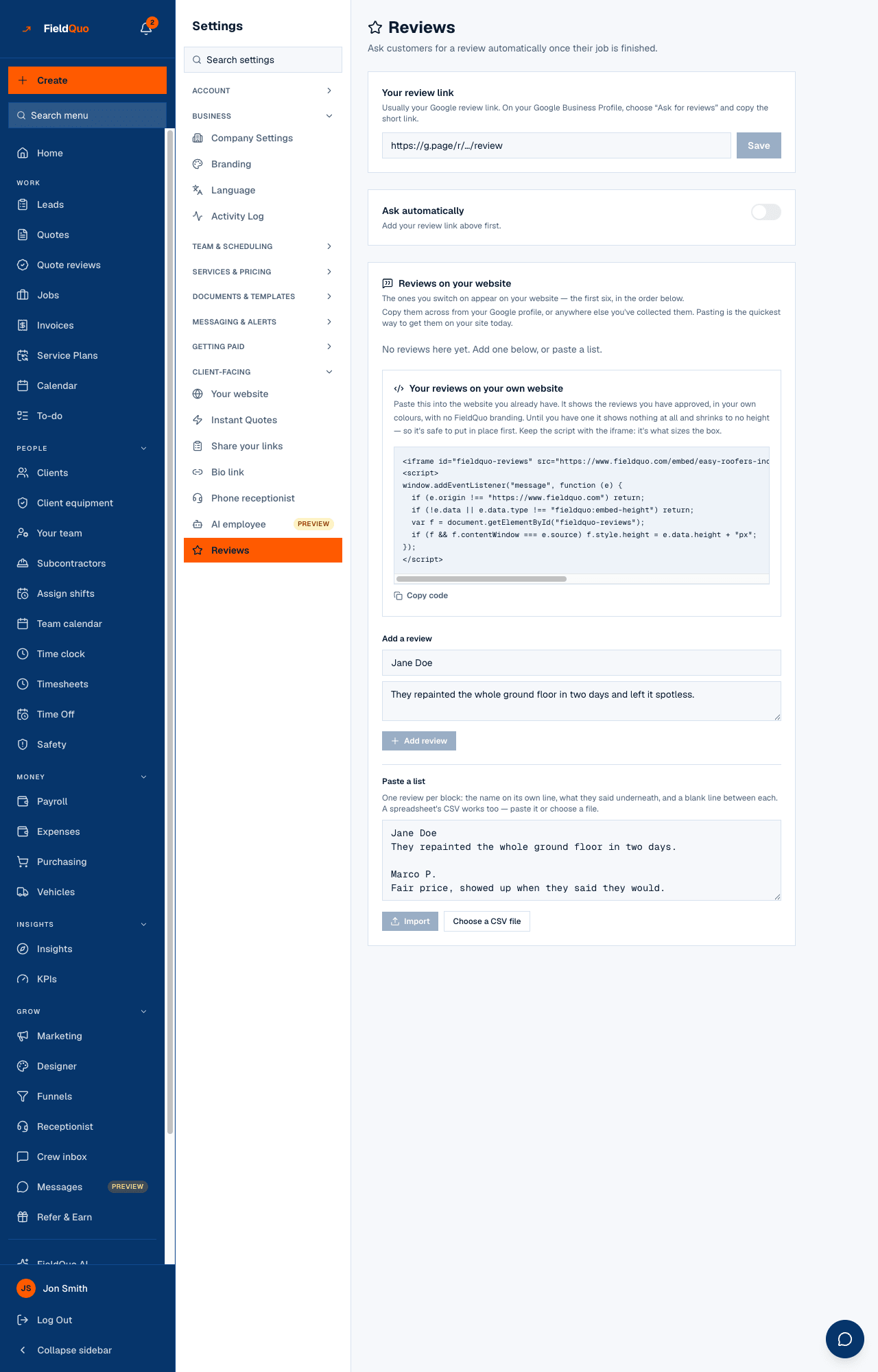
- The email carries your company's name and branding and links to your review page.
- A client who has unsubscribed is skipped. A job completed more than 30 days ago is never asked.
- A past job entered under Past jobs is never asked — the client was served years ago, and the job page says no messages were sent.
What does not happen
- No invoice is raised. You create it from the job or the quote — see Create an invoice. A payment-schedule stage due On completion keys off the job's *end date*, not the moment you press Completed.
- The client is not told the job is complete. The only client-facing message is the review request, on its own delay.
- Hours are not approved and materials are not costed by themselves. The cost review asks you to do both.
Reopening a completed job
Set the status back to In progress or Scheduled and the completion stamp is cleared: a job that is not finished has no finish time. A review request that has not been sent yet is not sent; one already sent is not sent again. The two tasks are not raised a second time when you complete it again.
Mga madalas itanong
Where do I set the review delay?
Settings → Reviews, under When to ask. It applies to every job in the company.
The client never got a review request. Why?
One of: Ask automatically is off, no review link is saved, the client has no email address or has unsubscribed, the delay has not elapsed, or the job was completed more than 30 days ago.
Can I send the review request myself, earlier?
Not from the job page. The request goes out on the company's delay; the Ask for a review task is there so you can make the ask in person if you prefer.
Nakatulong ba ito?