

Work areas
Named zones — Laval, Montréal island, the North Shore — with a chip per team member; the names also tell your website and your AI receptionist where you work.
Sa ngayon, available ang artikulong ito sa Ingles, Pranses at Espanyol. Binabasa mo ang bersyong Ingles. Français · Español
A work area is a named territory or project with the people assigned to it. It answers “whose patch is this”, and its name is reused where the outside world asks where you work: the Areas we serve block on your website and what the phone receptionist tells callers.
This article says what a work area does today and, just as plainly, what it does not.
What is on the screen
Settings → Work Areas opens with “Group tasks by project or zone. The names you use here also say where you work on your public website and in what your AI receptionist tells callers.”, a New work area name box with a plus button, and then one card per area with a chip for every team member. A filled chip means that person is assigned.
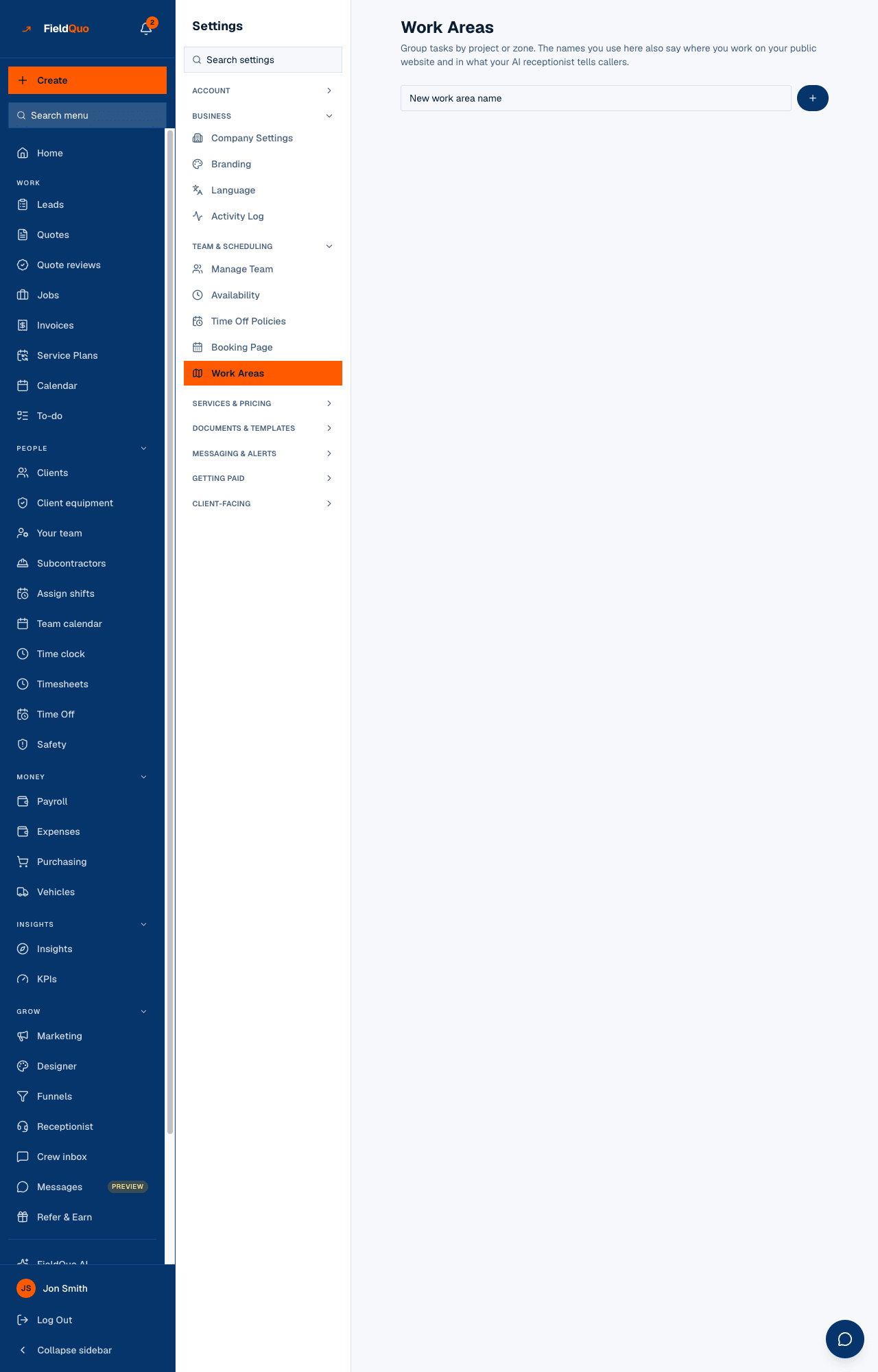
How to add one and assign people
- Type a name in New work area name and press the plus.
- On the area's card, tap a person's chip to assign them; tap again to remove them. Each tap saves.
What a work area changes
- Your website. The Areas we serve block lists your work area names, in alphabetical order, never a typed list of towns that goes stale. See Website pages and blocks.
- The phone receptionist. The names are part of what it knows, so it can tell a caller whether you cover their town. See The phone receptionist.
- The assignment chips are a record of who is on which zone. Today no other screen reads them — nothing filters jobs, tasks or the calendar by work area, and a job does not carry one.
An area cannot be renamed or removed from this screen today. Choose the name as you want it published.
Who can see it
Creating an area and changing who is assigned is for owners, administrators and the Dispatcher and Manager presets, and the settings row shows only for them. Anyone else who opens the page sees a read-only list — “These are the zones you can be assigned to.” — with names instead of buttons.
Mga madalas itanong
Does a work area change who gets booked?
No. Booking follows each person's bookable hours and the booking page, not their work areas.
Do I have to add work areas for the website to show where I work?
Yes — the Areas we serve block is built only from these names. With none, the block has nothing to show.
Nakatulong ba ito?