

The review request
The one email a client gets after a job is completed: your logo, one sentence of thanks, a 1–5 rating, a Leave a review button to your Google link — and the rules that make sure it is sent once, and never to the wrong person.
Sa ngayon, available ang artikulong ito sa Ingles, Pranses at Espanyol. Binabasa mo ang bersyong Ingles. Français · Español
When a job is marked Completed, FieldQuo can ask the client for a review on your behalf. The email comes from your company, carries your logo and your button colour, and says nothing about FieldQuo. It is short on purpose: one line of thanks, one button, a way to complain to you instead of in public.
It is sent once, ever, per job — never twice, never to someone who unsubscribed, never for a job finished more than 30 days ago.
Overview
The request is off until you paste a review link and switch Ask automatically on under Settings → Reviews. From then on, every job that reaches Completed is checked once an hour: when the delay you chose has passed and the client has an email address, the message goes out.
What the client receives
- Subject: How did we do? — [Your company], sent from your company's sender.
- Your logo (or your company name), then “Hi [first name],” and one sentence: thanks for having you out, a quick review would mean a lot.
- A How did we do? row of five numbered chips, 1 to 5. Tapping one opens a small page on your stationery where the score is pre-selected and the client can add an optional comment and press Send. Nothing is recorded until they press it.
- A Leave a review button in your brand colour that opens your review link (usually Google), and “Takes about a minute.”
- A footer line: if something wasn't right, reply to this email instead and the company will put it straight — replies come to your company's email address.
- An unsubscribe link, because asking for a public review is a commercial message under Canadian anti-spam law.
The email exists in English and French. A client whose language is anything else receives the English version. The rating page under the chips is written in all eight client languages.
When it is sent, and when it is not
| Condition | What happens |
|---|---|
| The job has already been asked about | Never asked again — this is checked before anything else, even if two people press things at once. |
| No review link, or Ask automatically is off | Nothing is sent. |
| The job is not Completed, or FieldQuo does not know when it finished | Nothing is sent. A job completed before completion dates were recorded is left alone rather than guessed at. |
| The client has no email address | Nothing is sent — there is no text-message review request. |
| The client unsubscribed | Skipped. |
| The delay has not passed yet | Waits. The delay is the chip you picked: 2 hours later, 4 hours later, The next day, Two days later, Three days later, A week later. |
| The job finished more than 30 days ago | Never asked. Switching the feature on today does not email every customer you had last year. |
The claim is written before the email is sent. If the send then fails, that client is never asked again — that is the safer failure. Not asking costs a review; asking twice costs the relationship.
What you control
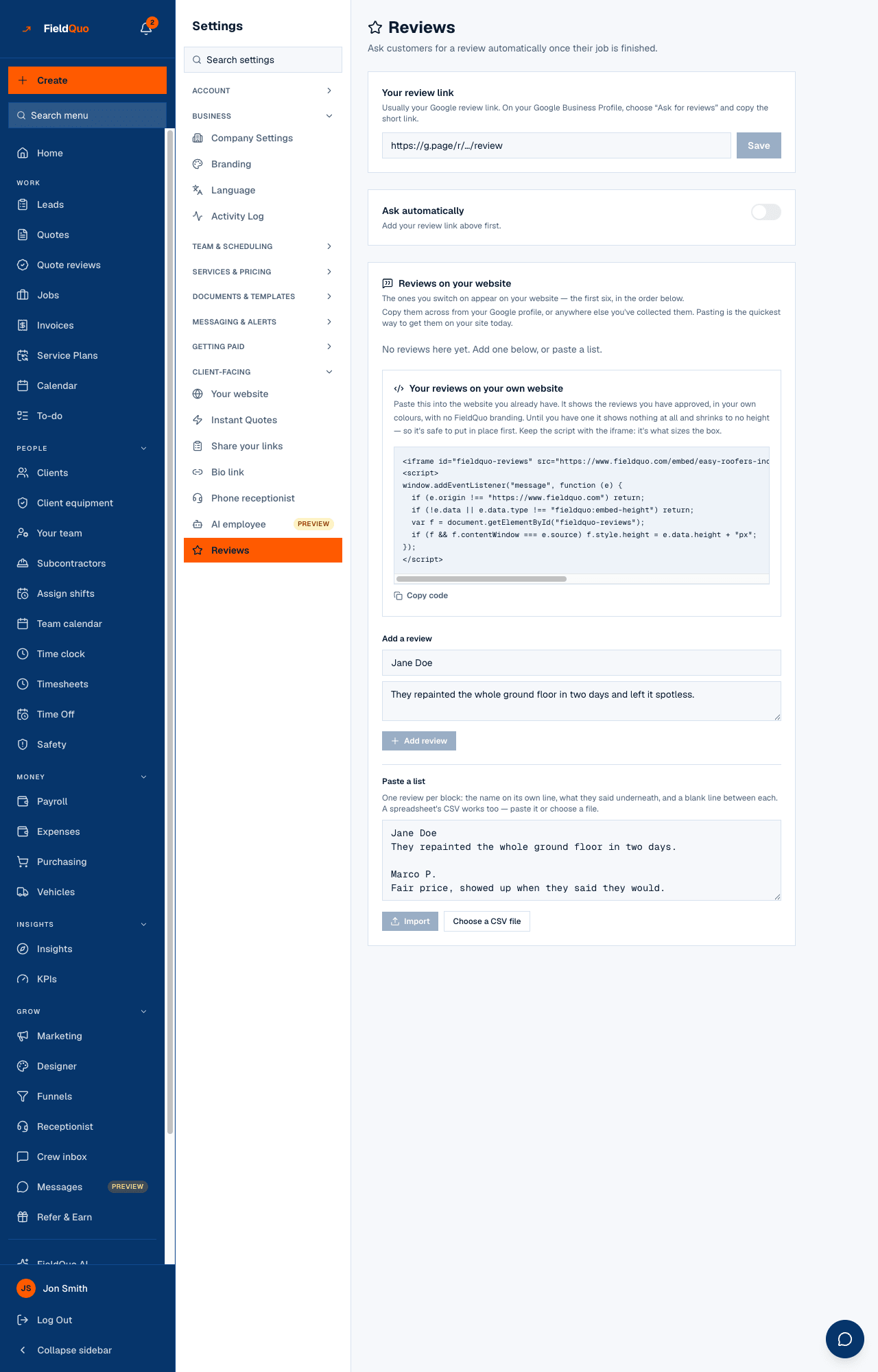
- Open Settings → Reviews and paste your link into Your review link — usually the short “Ask for reviews” link from your Google Business Profile, but any http or https page works. Press Save, then use Open it and check it goes where you expect.
- Switch Ask automatically on. Until a valid link is saved the switch is disabled and reads “Add your review link above first.”
- Pick a chip under When to ask. The default is the next day.
- Read the queue line under it — how many customers are in the queue and how many have been asked in the last 30 days — to see it working.
The scores from the 1–5 row feed the Customer satisfaction tile on KPIs. The reviews clients leave on Google stay on Google; to show them on your website, paste them into Reviews on your website on the same screen — see Testimonials on your website.
Who can change it
Settings → Reviews needs the Manager level or above — an owner, an administrator, a Manager or a Dispatcher. The request itself is sent by FieldQuo on a schedule; there is no Ask now button on a job, and nobody can send it twice.
Mga madalas itanong
Can I send a review request by text?
No. The request goes by email only, and only to a client with an email address on file.
Can I edit the wording?
Not today. The email is one sentence and one button in your colours; the only things you set are the link and the delay.
A client replied to the email — where did it go?
To your company's email address, the same reply-to as your quotes. Replies never reach FieldQuo.
We switched it on and nothing was sent for last month's jobs.
By design. A job finished more than 30 days ago is never asked about, and only jobs that reach Completed from now on are considered.
Nakatulong ba ito?