

Push notifications
How to be told on your phone about a mention, a direct message, an approved quote or a paid invoice — and why the switch may say push is not set up.
Поки що ця стаття доступна англійською, французькою та іспанською. Ви читаєте англійську версію. Français · Español
Browser notifications have two halves. While a FieldQuo tab is open somewhere on the phone, the page itself can raise a system notification for something new. With the tab closed, only push can reach you — and push has to be set up on the deployment by FieldQuo, so the switch tells you plainly which of the two you are getting.
Both halves are one switch, per person and per browser, on Settings → Notifications, in the Browser notifications card.
Overview
The card reads: Be told about new activity as a system notification on this computer or phone — while FieldQuo is in another tab, and with the tab closed where push is set up. Under it, the switch Notify me in this browser, a line about the browser's permission, a line about push, and Send a test notification.
Turning the switch on asks the phone's permission, remembers on this phone that you want alerts, and — when push is set up — registers this phone with the server so the same events arrive with the tab closed. Turning it off forgets the flag and drops the registration. The permission itself belongs to the browser: if it is blocked, the card says so and where to change it, and the switch is not offered.
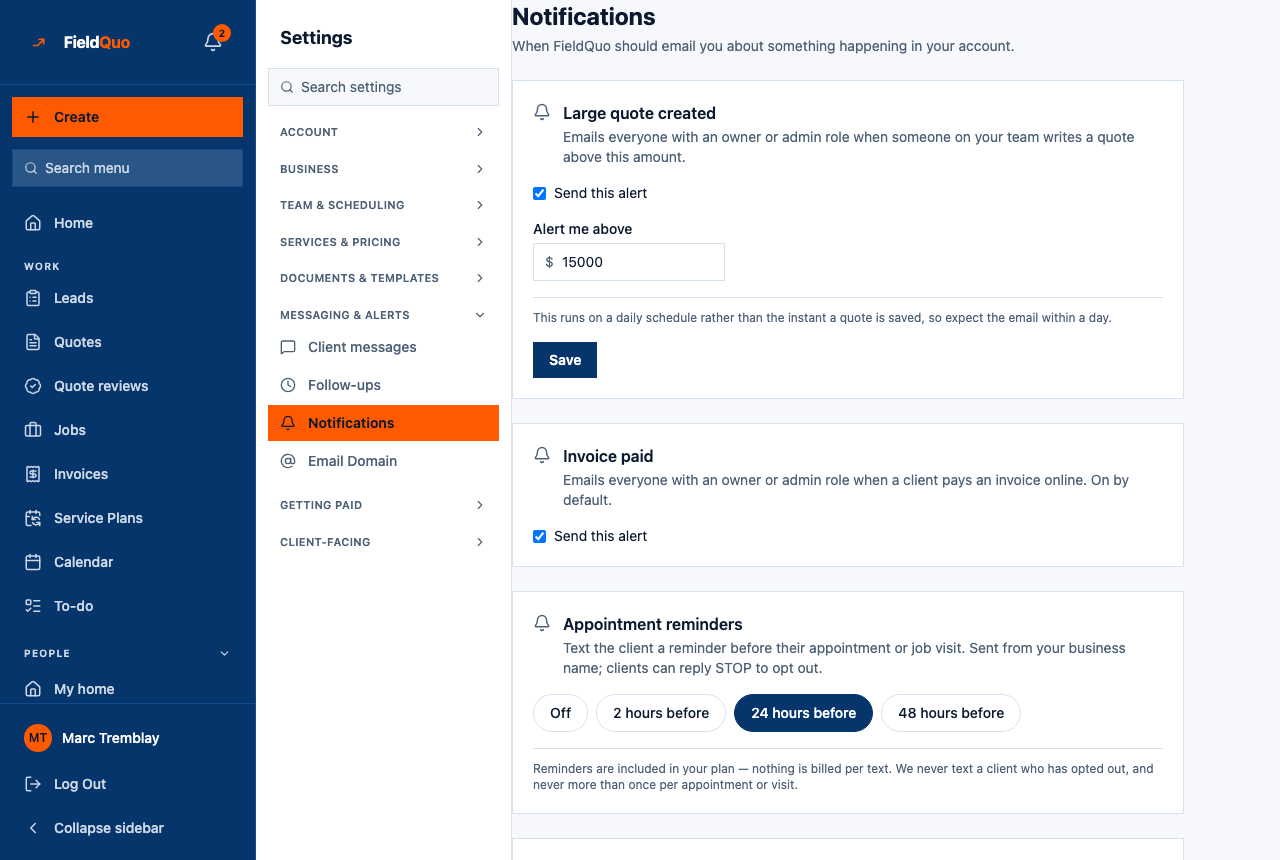
The Appointment reminders card on the same page is something else: texts to clients before a visit, from your business name. Those go by text message only — there is no email reminder, and the reminder wording is not editable yet, only the on-my-way message is. They are not notifications to you.
How to turn it on
- On an iPhone or iPad, add FieldQuo to the home screen first and open it from the icon — the card's last line says Safari only delivers notifications to installed web apps.
- Open Settings → Notifications and scroll to Browser notifications.
- Turn on Notify me in this browser and allow notifications when the phone asks.
- Read the confirmation: On. You'll be notified here, and with the tab closed. means push is working; On. You'll be notified while a FieldQuo tab is open. means only the in-tab half is available.
- Tap Send a test notification and look for it at the corner of the screen.
What triggers a notification
| Event | Who is told |
|---|---|
| A direct message, or a message that mentions you, in Chat | You |
| A new message from a homeowner in the Messages inbox | Everyone who can read the inbox |
| A quote approved, an invoice paid, a chargeback, a quote that did not deliver, an estimate waiting for sign-off, a new enquiry, a time-off request | The people whose access level covers that thing — the same people it appears to in the bell |
| A photo uploaded, a visit completed, a punch | Nobody — these are records, not alerts |
A notification never carries money: a lock screen is a public place, so the push says less than the feed row, never more. For a crew member, whose level covers none of the money events, notifications are in practice the chat — a direct message or a mention.
What the push line means
| The line reads | Meaning |
|---|---|
| Push with the tab closed is not set up on this deployment | FieldQuo has not enabled push yet. The switch still works for the in-tab half. |
| This browser can't receive push with the tab closed | The phone's browser lacks push — on an iPhone, usually because FieldQuo is not installed on the home screen. |
| Push with the tab closed: available | Set up and ready; turn the switch on to use it here. |
| Push with the tab closed: on in 2 browser(s) | Working, and this is how many of your devices are registered. |
| Browser permission: blocked | The browser refused. Allow notifications for the site in its settings, then come back. |
Who can see it
The switch is personal — each person, each phone — but it lives on Settings → Notifications, and the Settings menu shows that row to owners and administrators only. A crew member has no row that leads to the switch today, so the crew chat's mentions reach them in the bell and on the screen, not on the lock screen.
A notification is a courtesy about something already recorded. If a push service is slow or down, the record is still in the bell and on the screen; nothing waits for the notification.
Часті запитання
The card says push is not set up. Is something wrong with my phone?
No. That line is about the FieldQuo deployment, not your phone. The switch still gives you notifications while a FieldQuo tab is open.
I turned it on at my desk. Will my phone get them too?
No. The switch is per browser. Turn it on on each device you want notified.
Will clients ever get a push from FieldQuo?
No. Clients get emails and texts from your company; push is for people signed in to FieldQuo.
Чи була ця стаття корисною?