

Import leads
Bring a list you bought or exported from another tool onto your Leads board from a CSV, scored the same way as an inbound enquiry.
Поки що ця стаття доступна англійською, французькою та іспанською. Ви читаєте англійську версію. Français · Español
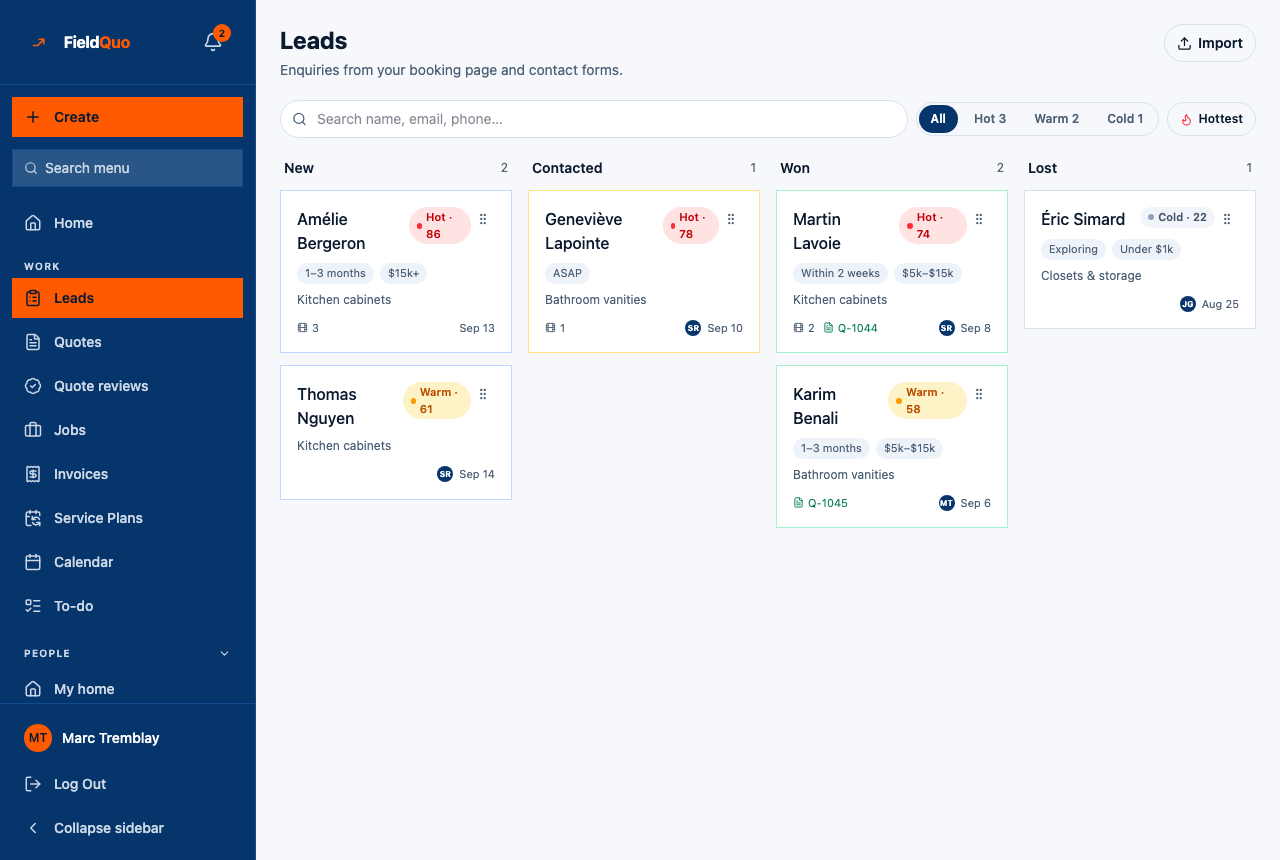
Import, top right of the Leads board, takes a CSV of leads you bought or exported elsewhere and puts each row on the board as a lead. Common columns are matched by name, budget and timeline are mapped where they can be recognised, and every row goes through the same scorer as an enquiry from your website.
Overview
The screen reads Import leads — Upload a CSV of leads you bought or exported elsewhere. We'll match common columns (name, email, phone, address, notes, budget, timeline), score each one hot/warm/cold, and drop them into your pipeline. Nothing is created until you press the import button, and you see a preview first.
The file
A CSV with a header row. Column names are matched leniently, in any case:
| What | Column names recognised |
|---|---|
| Name | name, Full Name, full_name, contact |
| email, e-mail | |
| Phone | phone, Phone Number, phone_number, mobile, tel |
| Message | message, notes, details, description, comments |
| Address | address, street, street_address, job address, site address, location — the street line only |
| Budget | budget, budget_band, price — a figure, a range or words such as “under 5k”, “$15,000+”, “not sure” |
| Timeline | timeline, urgency, when, timeframe — words such as “asap”, “next week”, “this spring”, “just looking” |
City and province are deliberately not read from a spreadsheet, because a jurisdiction guessed from a column drives a tax rate on a document. The address goes on as the street line; the client's city and province are set when you convert.
How to import
- Open Leads and press Import.
- Press Choose a CSV file and pick the file. The page reads it in your browser and shows Found … rows. Preview: with the first three names and contacts.
- Press Import … leads.
- The result reads Imported … leads, and , skipped … with no name or contact when rows were dropped.
- Press View leads to return to the board. The new cards are sorted in with the rest.
A file of more than 2,000 rows is refused — split it. A row with no name and no usable email or phone is skipped, because a lead nobody can reach or name is noise, not a lead.
What happens to each row
- It becomes a lead with the source imported and a name — or Imported lead when the row had none.
- Budget and timeline are mapped to the same bands the website form uses when the text is recognisable — “$3,000–$5,000” becomes $1k–$5k, “$15,000+” becomes $15k+, “no rush” becomes Exploring. When nothing is recognisable the lead simply has no band; it is not credited a budget it never stated.
- It is scored on what it has. A row with a phone and an email but no budget or timeline scores 12 and lands Cold until you open it and pick the answers.
- The same lead.created notification fires as for any enquiry, once per row.
- A row that fails is skipped; the rest of the file still imports.
Who can do it
Importing is creating requests, so it needs View, create, and edit on Requests — Estimator, Dispatcher, Manager, Administrator and the owner. A member below that sees the no-access panel, and the server refuses the upload.
Часті запитання
Will it create duplicates?
The importer does not check for existing leads, so importing the same file twice makes two cards per person. Duplicate clients are only avoided later, when a lead is converted and matched by email or phone.
Can I import clients this way?
No — this makes leads. Clients have their own importer under Clients; see Import clients from a CSV.
Why did my budget column not map?
The importer reads a figure, a range or a handful of words. A budget written as “mid-range” or “TBC” maps to nothing and the lead shows no band. Open the lead and pick it.
Чи була ця стаття корисною?