

Invoice reminders and chasing
The automatic overdue reminder on Settings → Follow-ups, the Chase payment button on the dashboard and the invoice, and the trail each one leaves.
Two things chase an unpaid invoice. An automatic reminder, set up once on Settings → Follow-ups, emails a template a set time after the due date, once per invoice, and stops the moment the invoice is paid. And Chase payment, on the dashboard's “Waiting on you” and on the invoice itself, sends a payment request by hand, with a note in your words, as often as you like.
Both are emails from your company's sender, in the client's language, linking to the client portal. Both leave a trail on the invoice.
Overview
An invoice is overdue when its due date has passed and it is still Sent or Overdue. The dashboard's Money owed panel and aging ladder show what is past due and by how many days, and say in one line whether an automatic reminder exists: “An automatic reminder goes out 5 days after an invoice's due date.” or “No automatic overdue reminder is set up, so nothing chases these on its own.” — with Set one up or Change it beside it.
Text-message reminders do not exist. Every follow-up rule sends exactly one email; a diagram that drew an SMS branch would be describing a feature that is not there.
The automatic overdue reminder
A follow-up rule is a trigger, a delay and an email template. For invoices the trigger is Invoice overdue — “Fires once an unpaid invoice is past its due date by the delay period.” — and the default delay is 5 days.
- Open Settings → Email Templates and make sure you have a Follow-up, Marketing or Custom template to send. Without one the page says so and the New Rule button is disabled.
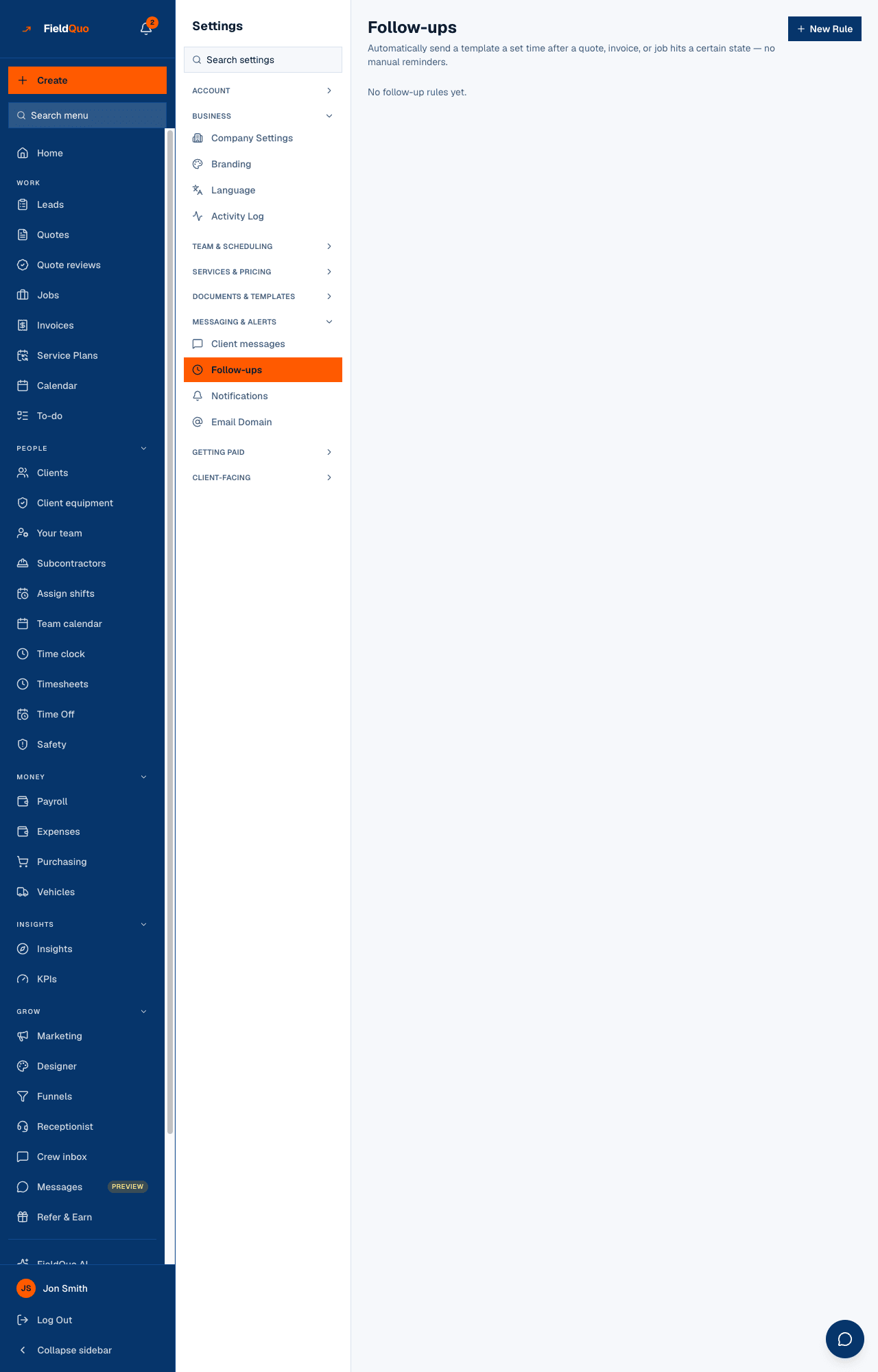
- Open Settings → Follow-ups and press New Rule.
- Set Trigger to Invoice overdue, the Delay and Unit (hours or days), and pick the Template to send. Give it a Rule name if you like.
- Press Create Rule. The How these run diagram redraws: Trigger → Wait → Send email → “Stops as soon as the invoice is paid.” and “Each invoice gets this email once.”
The rules are checked once a day. A rule can be paused with Pause and resumed with Activate; a paused rule sends nothing. Two rules on the same trigger with different delays both fire, in delay order — a 3-day nudge and a 14-day firmer one is a normal setup. The template can use the invoice number, total, amount paid, balance due, due date and a link straight to the invoice in the portal.
Chasing by hand
- On the dashboard, under Waiting on you or Money owed, press Chase payment on the invoice; or open the invoice and press Chase payment in its banner.
- In Chase this payment — “Emails Jane a link to pay the $1,240.00 still owing, in their language, from your address.” — add a note if you want one: “we agreed you would settle after the final visit.”
- Press Send the reminder. The row confirms: “Payment request emailed to jane@… at 2:41 PM”.
The email asks for the invoice's full remaining balance, with a Pay button when Stripe is connected. The button is missing when the client has no email address — the invoice says “Jane has no email address on file, so this invoice cannot be sent or chased.”
The trail on the invoice
- Emailed → jane@… with the date of the first send.
- Last chased · 3× with the date of the latest manual chase — every accepted send counts.
- Automatic reminder sent with a date for each reminder the rule delivered.
The dashboard rows carry the same facts — “Last chased 4 Sep · 2×”, “Automatic reminder sent 9 Sep” — so you can see at a glance which overdue invoices have already been nudged. The Activity Log records each send as well.
The follow-up task
Sending an invoice also creates a task, due in a week: “Follow up payment for INV-1042 — Sent to Jane Tremblay. Check it's been paid before chasing — the client portal shows the current balance.” One task per invoice, however many copies you send; it is closed when the balance is settled. Seven days is a reminder to look, not your payment term — the term is on the invoice.
Who can do what
Creating, pausing or deleting a follow-up rule needs user:manage — owners, administrators, Dispatcher and Manager; the Settings → Follow-ups row is hidden from everyone else. Pressing Chase payment needs edit access to invoices (Manager and above by default). The automatic reminder needs nobody: it runs on its own.
Frequently asked questions
Will the reminder keep emailing every day?
No. Each rule emails each invoice once. For a second nudge, add a second rule with a longer delay.
Can the client unsubscribe from overdue reminders?
No. A reminder about a bill they owe is transactional, so it carries no unsubscribe link. Only the job-completed follow-up, which is marketing, does.
The invoice has no due date. Will it be chased?
Not automatically — the rule keys off the due date, and the dashboard says “No due date on this invoice — it is not overdue”. You can still chase it by hand.
Was this helpful?