

Money owed and receivables aging
Who owes you, for how long, and the Chase payment button — how the dashboard counts it and why it agrees with the invoice page and the balance sheet.
The dashboard answers two questions the invoice list does not: who owes you, and for how long. Overdue invoices are named at the top of the page with a Chase payment button; the Money owed tile totals what is outstanding; and the Money owed card lays the same figure out by age — not yet due, 1–30, 31–60, 61–90, 90+ days — with each invoice and its contact.
Overview
Money owed is counted one way everywhere: the latest version of each invoice, drafts and cancelled documents excluded, less every payment recorded against it. That is the balance sheet's rule too, and the invoice page's — flip an invoice's status to Paid without recording the payment and all three keep saying it is owed. Absence is never a zero: a company with no invoices reads No invoices yet, so nothing is owed to you., and one that is fully paid reads Nothing outstanding — every invoice you have sent has been settled.
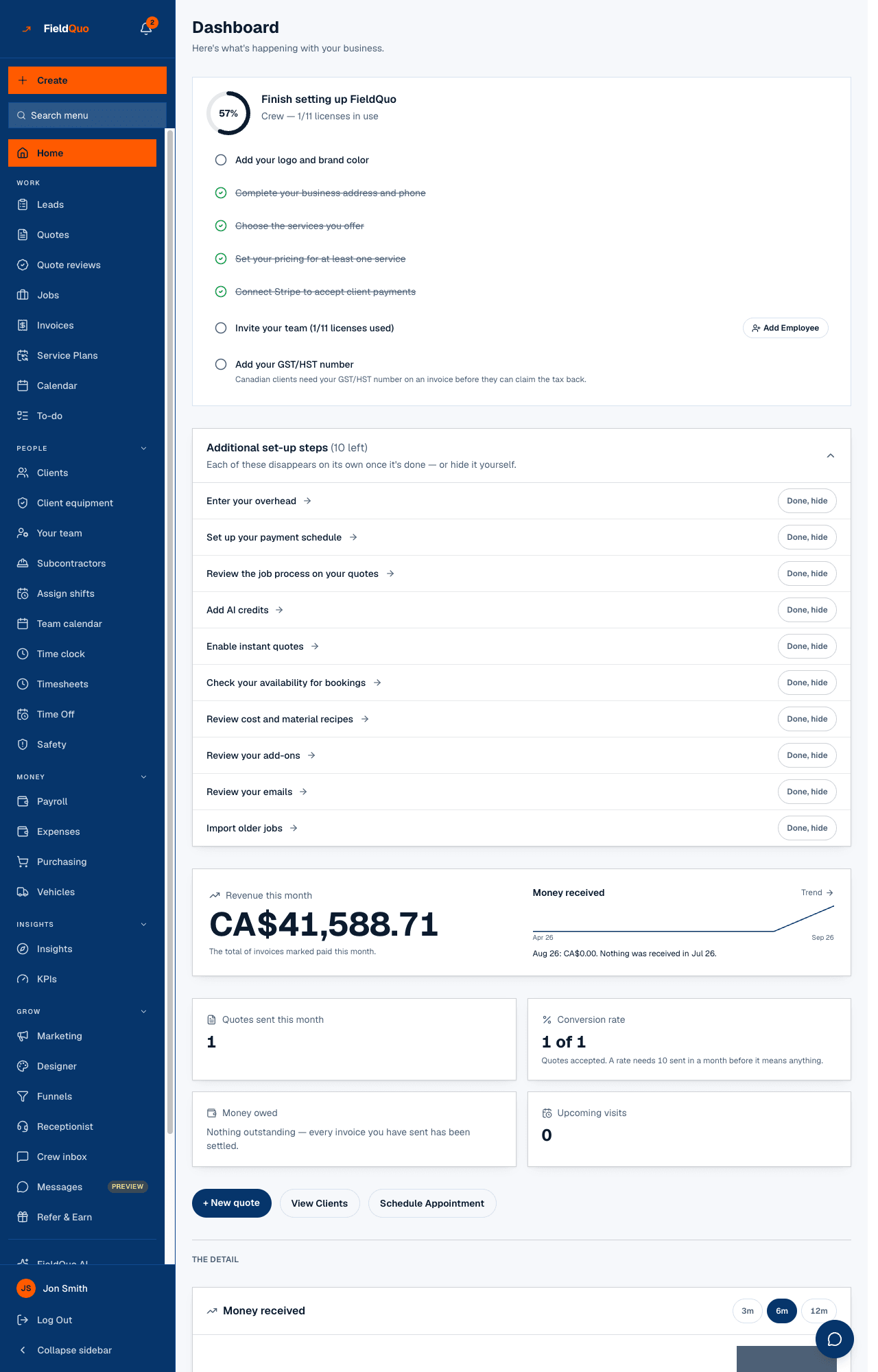
What is on the screen
- Waiting on you: the most overdue invoice with its client, 12 days past due, and Chase payment; 3 more overdue when there are more.
- The Money owed tile, with $4,120 of that is past due. under the total.
- In The detail, the Money owed card: the caption Across 5 unpaid invoices. Counts the latest version of each invoice, less the payments recorded against it., then the aging ladder — Not yet due, 1–30 days, 31–60 days, 61–90 days, 90+ days, and No due date on its own.
- Up to six invoices, oldest first: number, client, Due 30 Aug 2026 or 27 days past due, amended, v2 where it was edited after sending, a Job link, Last chased 5 Sep 2026 · 2× or Automatic reminder sent 3 Sep 2026, and Chase payment. Then 4 more not shown here.
- A line about reminders: An automatic reminder goes out 3 days after an invoice's due date. with Change it, or No automatic overdue reminder is set up… with Set one up.
How it is counted
| Case | How it is treated |
|---|---|
| Invoice edited after sending | One entry, at the latest version's total, dated from the original. Marked amended, v2. |
| No due date | Listed under No due date. It is owed, but it is not overdue and never lands in a day bucket. |
| Days past due | Whole calendar days after the due date, the same count the invoice page's banner shows. |
| Overpaid invoice | Not in the total. Named separately: “1 invoice has been overpaid by $180 in total. That is money you hold, not money owed to you.” |
| Invoice with no date at all | Counted and named — “1 invoice carries no date at all and is not counted above.” — never silently dropped. |
| Draft or cancelled | Not receivable. Not shown. |
Chase payment
- Press Chase payment on the invoice — at the top of the dashboard or in the Money owed card.
- The client is emailed a reminder framed as a reminder, not a fresh invoice, with a Pay button that opens the invoice in their portal. The card confirms: Payment request emailed to jane@example.com at 9:42 AM.
- The invoice records it: Last chased 12 Sep 2026 · 1×, and the count goes up on every chase. The invoice's original sent date is never overwritten.
Chasing needs a client email on file; the button says so when there is none. An invoice entered as a past job is never chased — nothing is sent to a client for past jobs.
Automatic reminders
A follow-up rule with the trigger Invoice overdue chases on its own, a set delay after the due date, and the dashboard says so in one sentence — or says plainly that nothing chases these on its own. Each automatic send is shown on the invoice's row as Automatic reminder sent with the date. Set the rule up on Settings → Follow-ups: Invoice reminders and chasing.
Who can see it
The Money owed tile and card need Show Pricing and the Invoices level View only; without them the panel is absent — no card, no zero. Pressing Chase payment needs View, create, and edit on Invoices: a Dispatcher, a Manager, an administrator or the owner. An Estimator sees the figures and cannot chase.
Frequently asked questions
Why does the tile not match Outstanding on the Invoices list?
The tile is money owed as of this morning, latest version per invoice less payments; the list's tile totals balances by status. A payment recorded without changing the status shows up here first.
An invoice is marked Paid but still shows as owed.
No payment has been recorded against it. Record the payment on the invoice — see Record a cash, cheque or e-transfer payment — and it leaves all three surfaces at once.
How many invoices does the card show?
Six, oldest first, then a count of the rest. The Invoices list has them all.
Was this helpful?