

Only in FieldQuo
The self-quote form
A public three-step form where the homeowner picks a service, gives rough numbers, photos or a PDF plan, and their contact details — it arrives as a scored lead, with no price shown to anyone.
The self-quote form is the Request a quote link on Settings → Share your links. It shows only the services you have switched on, asks the few numbers that tell you the size of the job, and never shows a price. What comes out is a lead on your Leads board with everything the homeowner typed, ready to be converted into a quote you price yourself.
Overview
The form is three steps, in the order a stranger on a phone will tolerate: What can we help with? (one of your enabled services), a details step with at most the first three number or select questions of that service plus When are you hoping to start? and Rough budget?, and Where should we send it? — name, one of email or phone, the job address, and Add photos, a video or a PDF plan.
It runs in the homeowner's language, carries your logo and brand colour, and says nothing about FieldQuo. A company that has enabled more than one send language shows a language picker; the language they choose is the language the lead — and the quote it becomes — is created in.
Only in FieldQuo. A public form that lets a client describe and photograph their own job, offering only the services you sell and never a price, is not listed on the pricing pages of Jobber, Housecall Pro, Projul, QuoteIQ or ServiceTitan at any tier.
How to share it
- Open Settings → Share your links.
- On the Request a quote card, press Copy for the link, Open to try it, or Or paste this into your own website for the embed code.
- Put the link anywhere you already are — your website, Google listing, Facebook page, email signature, or the side of the van.
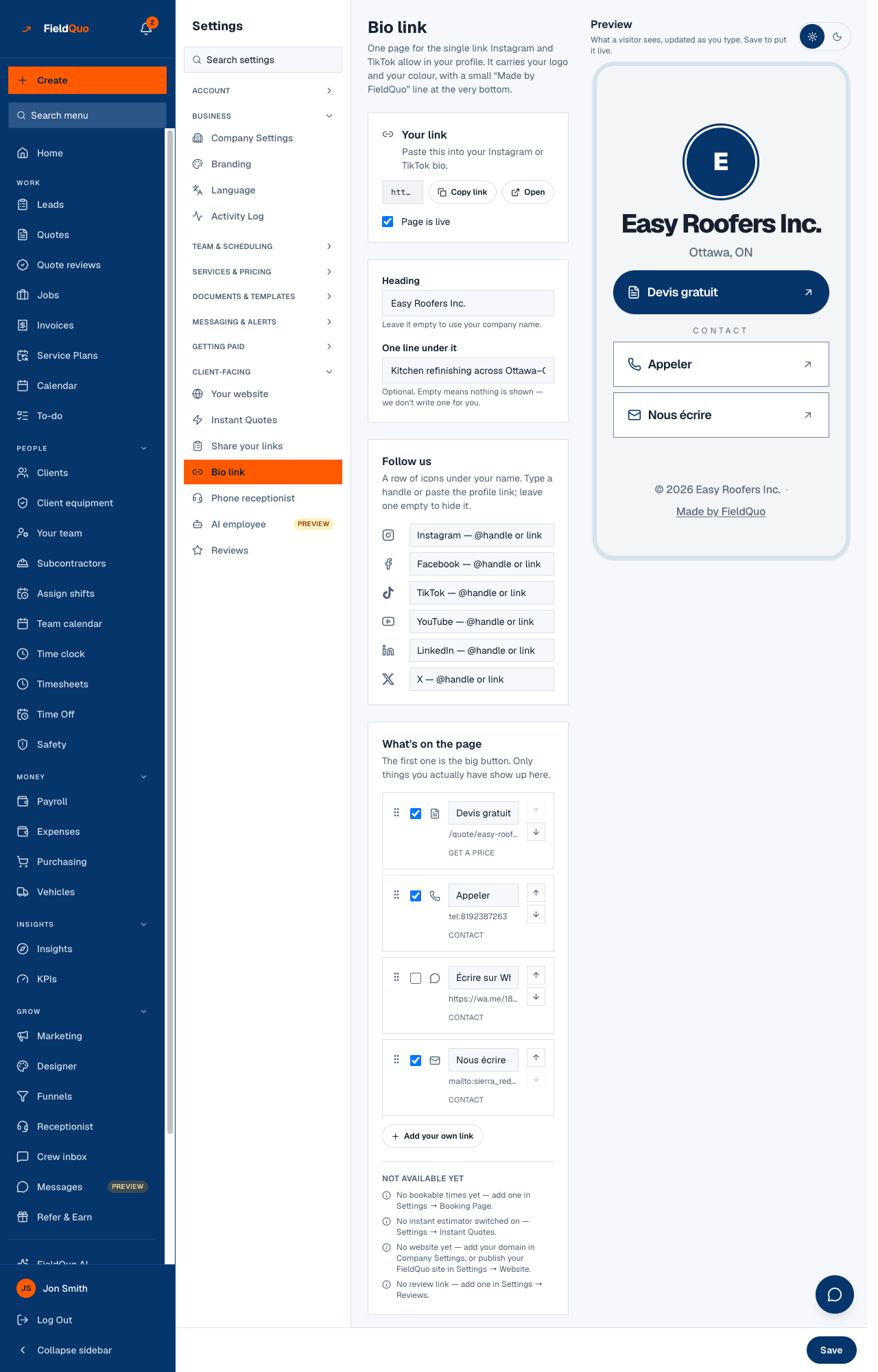
The form only offers the services you have enabled under Settings → Services. Switch a service off there and it disappears from the form; there is nothing to configure on the form itself.
What arrives on your side
- A lead on Leads with the source self_quote, scored Hot, Warm or Cold from the budget, timeline and details given — see Lead scoring.
- The homeowner's answers, kept as typed, plus a readable summary; the photos, video or PDF plan attached to the lead.
- A confirmation email to the homeowner, in your name and their language, restating what they asked for and offering a visit if your booking page is set up. No figure is in it.
- Their phone number, if given, recorded with consent so the receptionist may call it back.
Press Convert to quote on the lead and a draft opens with the client, the service, the photos and the answers already in place and a zero total — nobody has priced it yet, and a number the homeowner could see that you never agreed to is exactly what this form exists to avoid. See Convert a lead to a quote.
Who sees the leads
Anyone with Requests at View only or higher sees the Leads board; converting a lead needs Quotes at View, create, and edit. Share your links is a settings screen for owners, administrators, Managers and Dispatchers.
Frequently asked questions
Does the homeowner ever see a price on this form?
No — not on the form, not in the confirmation. The instant estimate is the surface that shows a range; this one deliberately does not.
Can I add my own questions?
The questions are the first three number or select intake fields of the service, as defined under Settings → Services. Custom quote types bring their own intake fields.
What does the homeowner see after submitting?
A confirmation page in their language with a reference, the next steps, and a Book a visit button when booking is available. See The self-quote form, as a client sees it.
Was this helpful?