

Only in FieldQuo
From a phone call to a draft quote
The receptionist takes the call and never quotes a price; afterwards, one button reads the recording into the instant-quote form, prices it from your own settings and lands a draft in Estimate Reviews — or hands you the builder with what was heard already filled in.
The phone receptionist may not say a number — not a price, not a range, not “usually around”. What it can do is take the details. After the call, on the Receptionist screen, Draft a quote from this call reads the recording as if the caller had typed the instant-quote form, and the rest is the machinery you already have: your rates, your review queue, your builder.
Overview
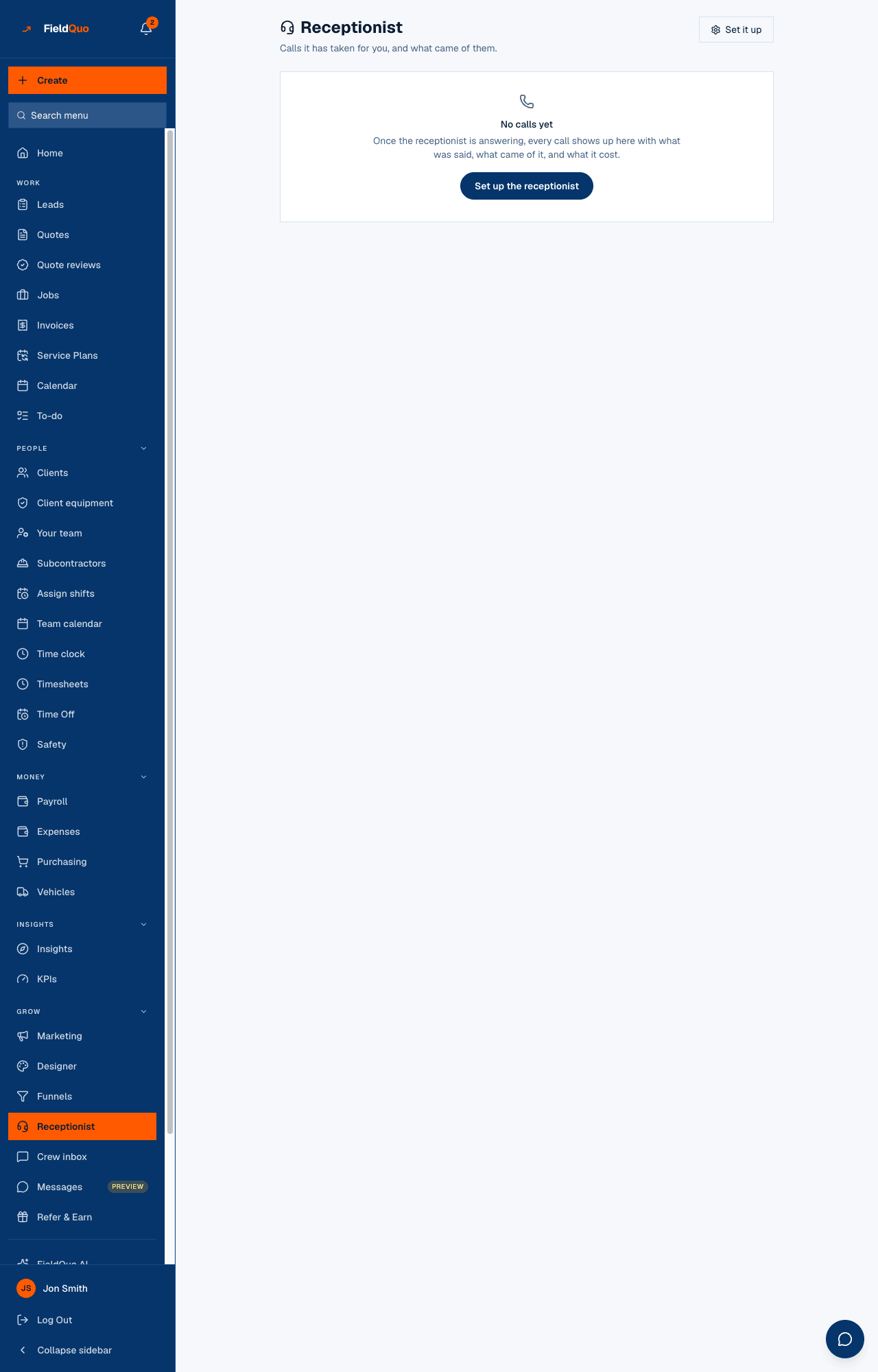
The Receptionist screen lists the calls it has taken for you, and what came of them, grouped Needs you, waiting on you and archived. Each call shows the number, the time, the duration and the cost, the summary, a Listen button, and what it produced — Saved as a lead, a visit booked, Book a callback. On a call with a transcript, Draft a quote from this call is the button this article is about.
Only in FieldQuo. A quote drafted from what the caller described, with every value traced back to the caller's own words, is not listed on the pricing pages of Jobber, Housecall Pro, Projul, QuoteIQ or ServiceTitan at any tier.
How to draft a quote from a call
- Open Receptionist and find the call. Press Listen if you want to hear it first.
- Press Draft a quote from this call. This spends AI credit, which is why it is a button rather than something that runs when the screen opens.
- Read What we heard on this call: every service and measurement shown beside the caller's own words, taken verbatim from the recording, with whether the caller said it or confirmed it when the assistant repeated it back.
- Follow the outcome — one of the two below.
The model may only pick services from your enabled list, materials from the labels you configured, upgrades from your own price book, and measurements it can quote the caller giving. It may not invent a service, write client-facing text, or produce a price — there is no price field in what it is given, and anything money-shaped it invents is stripped.
The two outcomes
| Outcome | What the panel says | What happened |
|---|---|---|
| Priced | Priced through your instant-quote settings and waiting for approval — draft {number}, with Open the review queue | The call carried everything that trade's instant-quote form needs. It went through the same path a homeowner's web form does and landed a draft in Estimate Reviews, marked Taken from a phone call with a Listen button. The figure is shown there, next to Approve, not here. |
| Not priced | Not enough to price it automatically — nobody asked about: {fields}, with Open in the quote builder | Something the trade prices on went unmentioned. Nothing was computed and nothing was created; the builder opens with what was heard already filled in, and you price it by hand. |
A caller who never said how many doors they have produces a form with no door count — not zero, not a plausible average. A guess multiplied by a rate is a price somebody sends, so the missing questions are listed instead: they are what you ring back about.
- Added — an upgrade off your own price book, ticked on the draft and priced by the builder.
- They also asked about … That looks like … — check whether it belongs on this quote — something that resembles what you sell but could not be placed automatically.
- Nothing in your services, price book or products matched it — even this is not thrown away; it goes onto the quote's review notes, which the client never sees.
The caller is matched to an existing client by phone or email, or added to your clients, and the panel says which. Their phone number is recorded with consent so the assistant may call back.
After the draft
A priced draft is approved in Estimate Reviews and then sent like any quote. If quote callbacks are on, the assistant can ring the client to confirm and schedule once they have the quote in writing — it reads a figure back off a document they were emailed, and never announces one. See Quote callbacks.
Who can do this
The Receptionist screen is shown to anyone with Clients and Properties at View full client and property info or higher. Drafting scope is the first half of writing a quote, so the button needs Quotes at View, create, and edit. The deployment must have FieldQuo AI configured and the company must have AI credit; the panel says so when either is missing.
Frequently asked questions
Can the receptionist quote on the phone?
No, and there is no tool it could use to. It takes details and books visits; pricing happens afterwards, behind a button a person pressed, and is reviewed before it is sent.
What does a draft cost?
One AI read of the call, charged against your AI credit. Opening the screen or re-reading an existing draft is free; Read the call again spends credit again. See AI credit and phone credit.
Where is the recording kept?
Behind a FieldQuo link that checks your session and your company. Nothing client-facing carries the recording, and the raw provider link is never shown.
Was this helpful?