

The receptionist's call log
Every call the receptionist took or placed: what was said, what it produced, what it cost — grouped into Needs you, Waiting on you and Archived, with the recording, a draft quote and a callback one press away.
ਇਹ ਲੇਖ ਫ਼ਿਲਹਾਲ ਅੰਗਰੇਜ਼ੀ, ਫ਼ਰਾਂਸੀਸੀ ਅਤੇ ਸਪੈਨਿਸ਼ ਵਿੱਚ ਉਪਲਬਧ ਹੈ। ਤੁਸੀਂ ਅੰਗਰੇਜ਼ੀ ਸੰਸਕਰਣ ਪੜ੍ਹ ਰਹੇ ਹੋ। Français · Español
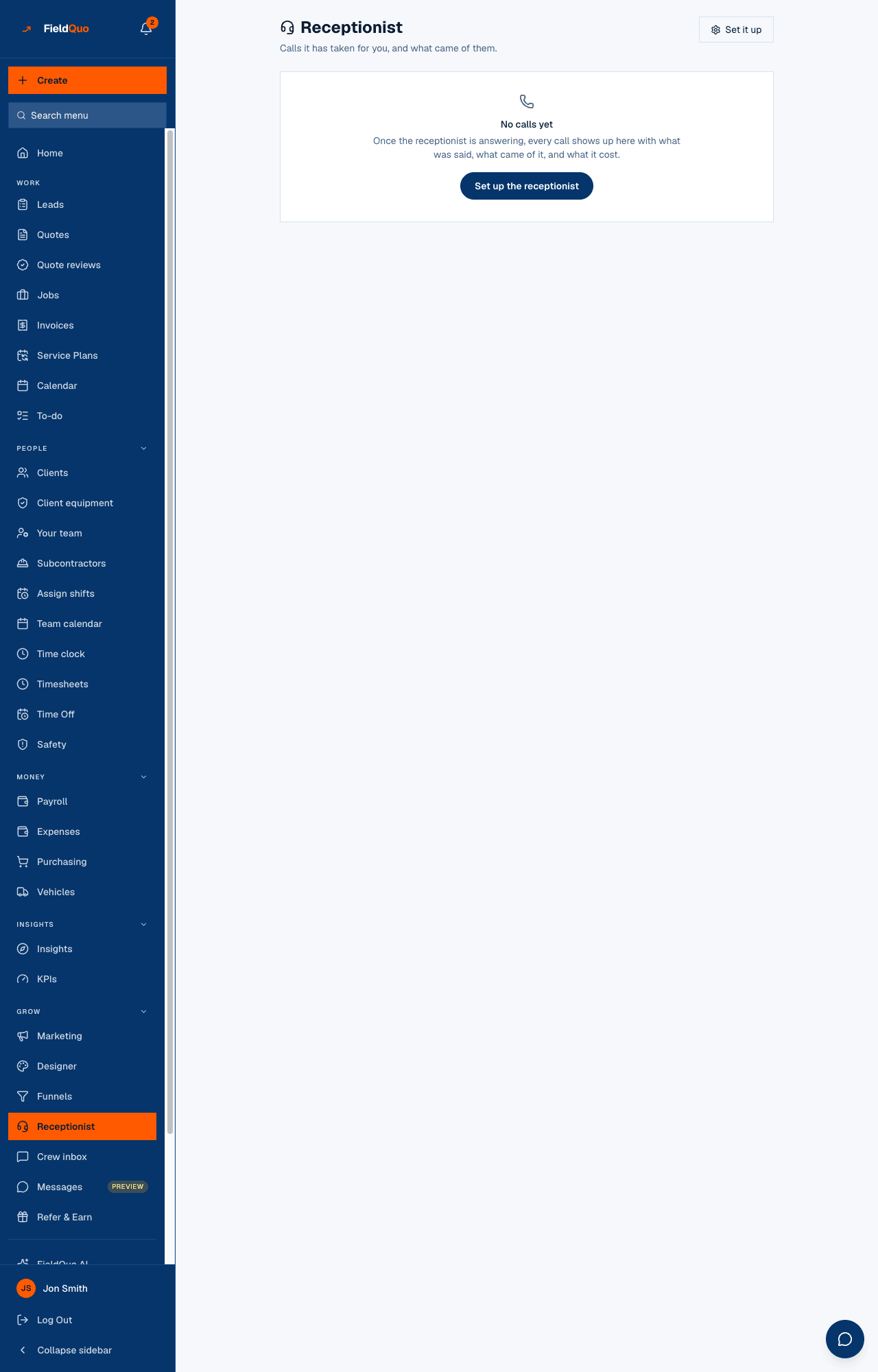
The Receptionist screen in the main sidebar is the log — “Calls it has taken for you, and what came of them.” Each call shows the number, when it rang, how long it lasted, what it cost, a summary, and what it produced: a lead saved, a visit booked, a callback booked. The recording is a press away, and so is a draft quote built from what the caller said.
Calls do not clear themselves. A call the receptionist flagged as urgent sits at the top until a person says they have dealt with it, and a call that has not become a quote stays in the working list until somebody archives it.
Overview
Above the list, when there is something to say, one line counts what your calls have booked: “You have 3 coming up from your calls — the next is Tuesday at 2:00 PM.” Two buttons sit at the top: Recover missed calls and Receptionist settings. If the receptionist is set up but switched off, the screen says so and offers Turn the receptionist on; if it is on and nobody has rung yet, it points you at Check it end to end.
What is on the screen
- Needs you — calls the receptionist flagged: somebody said flooding, gas, the ceiling is coming down. Amber, at the top, until you press I've dealt with it.
- Waiting on you — “These calls haven't become a quote yet. Archive one once you've dealt with it.” The working list.
- Archived — the log underneath, with Bring back on each call.
On each call: a We called badge when the assistant placed the call rather than answered it, a Recovered badge when the call was pulled back from the phone provider after the fact, the caller's number or Unknown number, the time, the duration and the cost in US dollars, the summary, and what came of it — Saved as a lead, Visit booked — Tuesday …, Callback booked — …, Video call booked — …, or Quote 1042 once a quote exists. Then Listen, Read the whole call, Draft a quote from this call and Book a callback.
How to work a call
- Open Receptionist. Start with Needs you; press Listen to hear the recording, or Read the whole call for the transcript with each line marked as the caller's or the receptionist's.
- Press Draft a quote from this call. The panel What we heard on this call lists every service and measurement beside the caller's own words — nothing is asserted that cannot be traced to something said. If the caller gave enough for your instant-quote form, the draft is already priced through your settings and waiting in the review queue (Open the review queue); otherwise Open in the quote builder starts a quote with what was heard filled in and no prices.
- If the caller wants a call back, press Book a callback: FieldQuo books the next free 15-minute slot from your availability, within your opening hours, and puts it on your calendar — “Callback booked — Tuesday at 10:15. It's on your calendar.”
- When you have acted on an urgent call, press I've dealt with it. When an ordinary call is finished with, press Archive; Bring back undoes it.
- If a call you know happened is missing, press Recover missed calls. FieldQuo asks the phone provider for the last week, pulls back anything that never reached it, and rebuilds the lead from the recording — marked Recovered, with “check the details before you ring back”.
What each control does
| Control | What it does |
|---|---|
| Listen | Plays the recording of the call in the page. |
| Draft a quote from this call | Reads the transcript with FieldQuo AI. Priced only when your instant-quote form has everything it needs — then it is a draft in the review queue, never a number on this screen. Uses your AI allowance; if that is spent, or AI is off, the panel says so and the recording and transcript remain. |
| Book a callback | Books a 15-minute callback on your calendar from your real availability. Refused with a reason when there is no number to ring, when your line is set to on-site visits only, when your opening hours have never been set, or when the booking type takes a fee up front (that has to go through your booking page). |
| I've dealt with it | Clears an urgent call out of Needs you. Nothing else is changed. |
| Archive / Bring back | Moves a call out of, or back into, the working list. The call, its recording and its cost stay on the log. |
| Recover missed calls | Asks the phone provider for every call of the last week, adds the ones FieldQuo never received, and rebuilds their leads from the recordings. Reports how many were checked, recovered and rebuilt, or that nothing was missing. |
Who can see it
The log is client contact data — numbers and recordings — so it follows the Clients and Properties dial: anyone who can view full client information sees the row, which is the Estimator, Dispatcher and Manager presets and the owner and administrators. The Crew preset, which sees a client's name and address only, does not. Book a callback additionally needs the ability to create requests, which every one of those presets has.
ਅਕਸਰ ਪੁੱਛੇ ਜਾਂਦੇ ਸਵਾਲ
Why does a call from Tuesday only appear today, with a Recovered badge?
It never reached FieldQuo while it was happening and was pulled back from the phone provider afterwards. The row is not late — it was lost, and the badge says when it was got back.
Does drafting a quote from a call put a price in front of the client?
No. A priced draft sits in your review queue until a person approves it; an unpriced one opens in the quote builder with no prices. The client sees nothing until you send.
Where do I change what the receptionist says?
Receptionist settings at the top of this screen opens Settings → Phone receptionist — see The phone receptionist.
ਕੀ ਇਹ ਮਦਦਗਾਰ ਸੀ?