

Import clients from a CSV
Load the client list from your old system in one go — the columns FieldQuo reads, what it skips, and what it never de-duplicates.
本文目前提供英语、法语和西班牙语版本。您正在阅读英语版本。 Français · Español
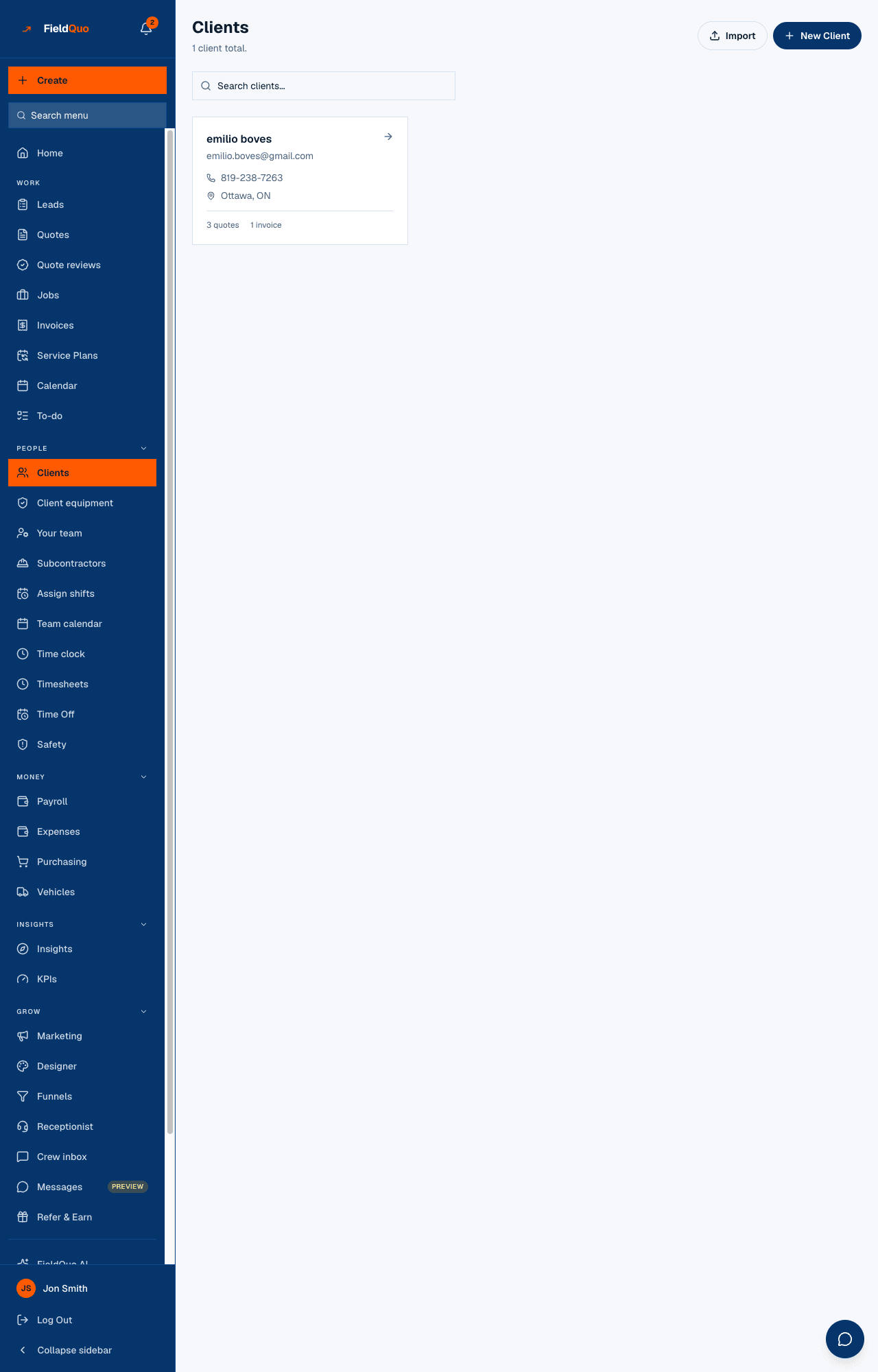
Import Clients — Upload a CSV exported from another system. The file is read in your browser, the first three rows are shown back to you, and one press writes them all. Every row becomes a client card exactly as if you had typed it.
Overview
The importer takes names and contact details only — no jobs, no invoices, no history. For work already done and paid, use Import past jobs; for a whole archive, The data migration service.
Prepare the file
Export a CSV from wherever the list lives now. FieldQuo matches column names without caring about case, and accepts the common variants.
| Column | Headers accepted | Required |
|---|---|---|
| Name | name, Name, Full Name | Yes — a row without one is skipped |
| email, Email | No, but a row with an undeliverable address is skipped | |
| Phone | phone, Phone, Phone Number | No |
| Address | address, Address | No |
| City | city, City | No |
| Province | province, Province, State | No |
| Country | country, Country | No — normalised to a code, or left blank |
A business client with a contact person: put the company in name and add the person on the card afterwards — see Business clients and contacts.
How to import
- Open Clients and press Import, beside New Client.
- Press Click to choose a CSV file and pick the file.
- Read Found N rows. Preview of the first 3: — each line shows the name and the email or phone, or no contact info.
- Press Import N clients.
- The result reads Imported N clients, with (N skipped — missing a name) and (N skipped — the email address can't be delivered to) when they apply. View Clients opens the list.
What happens to each row
- A row with no name has nothing to import and is counted as skipped.
- A row whose email cannot be delivered to is left out and counted separately, rather than imported with the address quietly dropped — a client who looks contactable and is not is how a quote gets sent to nowhere. An empty email is fine.
- A country written as a word (“Canada”, “CAN”) is normalised to its code, or left blank when it cannot be read. It is never stored as free text.
- Nothing is de-duplicated. Importing the same file twice creates every client twice. See Duplicate clients for cleaning up.
Who can import
Anyone whose access lets them add clients — View and edit full client and property info or above: estimators, dispatchers, managers, administrators and the owner. The Import button is offered only to them, and the page refuses everyone else before a file is chosen.
常见问题
Can I import a spreadsheet directly?
Save it as CSV first. Excel and Google Sheets both export one; keep the header row.
Does it import notes, jobs or invoices?
No — name, email, phone and address only. Past jobs have their own importer, and a full history is the migration service.
Half my rows were skipped for bad emails. What now?
Fix or clear the email cells for those rows, delete the others from the file, and import the corrected rows again. The rows that already imported are not affected.
这篇文章有帮助吗?