

Work Areas
Name the zones or projects your company works in, say who is on each one, and know where those names show up: your public website and what your phone receptionist tells callers.
Per ora questo articolo è disponibile in inglese, francese e spagnolo. Stai leggendo la versione inglese. Français · Español
Settings → Team & scheduling → Work Areas is a short list of named zones — Laval, the North Shore, the downtown condo project — with the people assigned to each. It exists so that “whose patch is this” has one answer everybody can look up.
The names carry further than the roster. They are what the Where we work block on your website prints, and they are part of what the phone receptionist knows about your company. So a work area is a public statement of where you take jobs, not only an internal label.
Overview
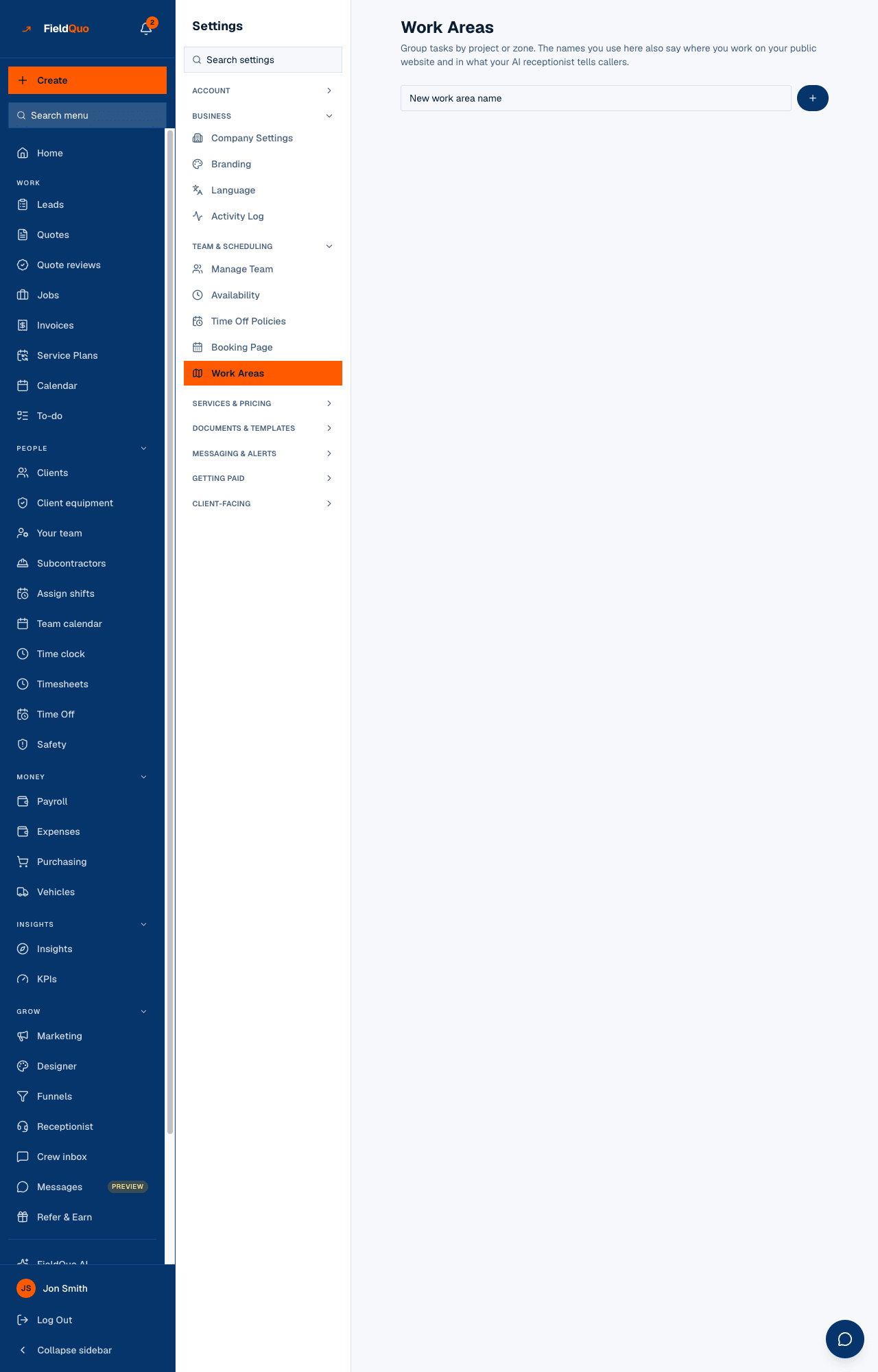
The page has one input, New work area name, with a plus button beside it, and then one card per area. On each card you see the area's name and a chip for every member of your team; a filled chip means that person is assigned to the area, an outlined one means they are not. Tapping a chip flips it, and the change is saved at once — there is no separate save button.
Anyone who cannot change assignments sees the same page as a plain list: the notice These are the zones you can be assigned to., then each area with the names of the people on it, or Nobody assigned yet.
How to add a work area and assign people
- Open Settings → Work Areas.
- Type a name in New work area name and press the plus button. The card appears below.
- Tap the name of each team member who works that zone. A filled chip is an assignment; tap it again to remove them.
There is no rename and no delete on this screen. A work area you no longer use stays in the list — and stays on your website's Where we work block — so name them carefully and keep the list to the places you actually serve.
Where the names are used
- Your website. If your site has the Where we work block, it lists your work areas as pills, alphabetically, up to 40 of them. There is no separate list of towns to type — this is the only source, so it never goes stale. See The website builder.
- The phone receptionist. The area names are part of what the receptionist is told about your company, so it can answer a caller who asks whether you come to their town. See Phone receptionist.
- Tasks. A task can carry a work area in the database, but the Tasks screen has no work-area picker today, so grouping tasks by zone is not something you can do from the app yet.
Who can see it
The row appears for owners, admins and supervisors — the Dispatcher and Manager access levels — because creating an area and changing who is on it needs the workarea:assign permission those roles hold. An employee who reaches the page reads it as the list described above and cannot change anything; the server refuses the change whether or not the button was drawn.
Domande frequenti
Does assigning someone to a work area change their schedule?
No. It records that they work that zone. Scheduling still happens on the calendar and on each job; nothing is auto-assigned from here.
Why does my website list a zone I stopped serving?
Because the website block prints exactly this list and there is no delete on this screen. Until one exists, the list on your site is the list here.
È stato utile?