

Photos and files (Cloudinary)
Where every photo and document you upload is stored, the size and type limits, which photos can reach your website and quotes, and the honest answer on deleting.
本文目前提供英语、法语和西班牙语版本。您正在阅读英语版本。 Français · Español
Every photo, video and PDF that enters FieldQuo — a job photo, your logo, a homeowner's photos on a quote request, a permit on a job, a receipt — is stored with Cloudinary, in a folder that belongs to your company. Uploads are signed by FieldQuo's server for each file, so there is no public upload token anyone could reuse, and a client uploading to your self-quote form goes through the same door into a leads folder of your own.
This article is the limits, the places photos are shown, the fixed stages that decide what can go public, and what FieldQuo does not do with files.
Overview
| Kind | Accepted | Limit |
|---|---|---|
| Photo | JPEG, PNG, WebP, GIF, HEIC and HEIF — an iPhone photo goes up as is | 15 MB |
| Video | MP4, MOV, WebM, Ogg and 3GP | 100 MB |
| Document | PDF only | 25 MB |
| Logo | The photo types plus SVG | 15 MB |
A refused file gets a sentence, not a spinner: Upload a photo (JPEG, PNG, HEIC…), a video (MP4, MOV, WebM) or a PDF. or That photo is larger than 15 MB. Try a smaller photo. A PDF is stored byte for byte with a random name; the filename you uploaded is never part of the address.
Where photos and files live
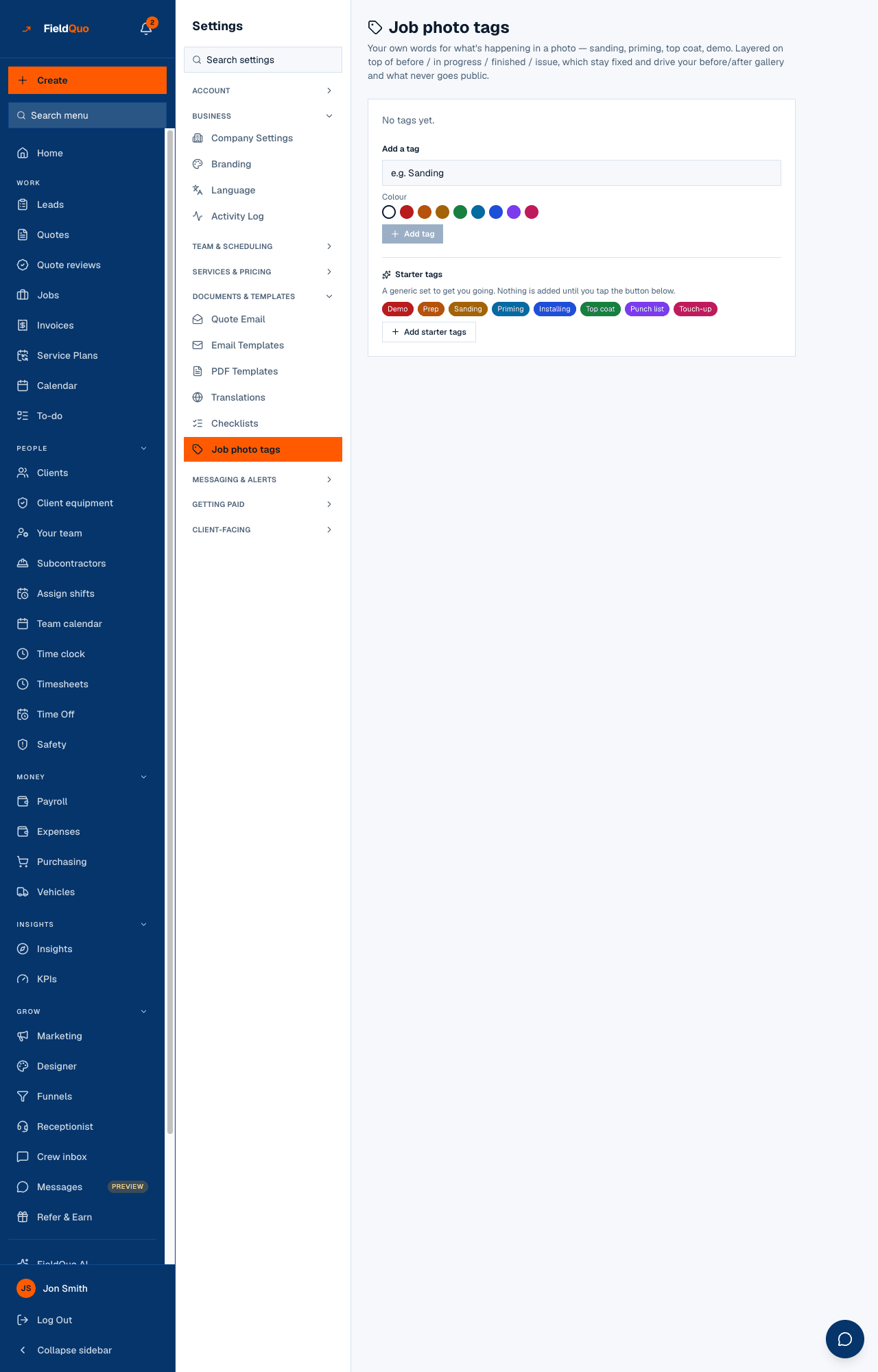
- Job photos — on the job page under Job photos, uploaded there or texted in by the crew, filed under one of four fixed stages: Before / start, In progress, Finished, Issue / snag. Your own tags from Settings → Job photo tags sit on top. See Job photos and tags.
- Photos from the client — what a homeowner attached to a self-quote or instant-estimate request, or what you added in the quote builder with Add photos or a video. Shown to your staff on the quote, the lead and the invoice; not printed on the quote PDF and not shown on the client's approval page.
- Before & after pairs on Settings → Quote Email — up to 4 pairs that go into every quote email.
- Your website — the header, about, call-to-action and service images, the gallery, and job photos you star to show on the site.
- Documents — plans, permits and contracts on a job, insurance and clearance on a subcontractor, registration and insurance on a vehicle, and receipts scanned into an expense (photos only — a PDF receipt is refused).
What can go public
The stages are fixed because they are the rule. Only a job photo you have starred as featured reaches your website, and an Issue / snag photo can never be featured — the server refuses with An issue photo can't be featured on your website. Change its stage first. The Marketing Designer's job-photo tab and the make-a-post-from-a-job flow never see an issue photo either. Everything else stays inside the back office.
- Open the job and its Job photos.
- Set the stage on each photo — the crew's text is read for words like “before” and “done” to guess it, and you can correct it.
- Star the ones to show on your website. They appear in the site's work gallery; unstar to remove them.
Deleting
There is no delete button on a job photo, a job document or a client's photos, and FieldQuo does not remove files from storage when a job is deleted or a website photo is taken out of the library. Replacing your logo removes the old one; that is the exception. If a photo must not exist — a homeowner asks, or it was taken in error — change its stage to Issue / snag so it can never go public, then send a deletion request; see Your data, your clients' data, and deletion. Photo location data inside an image (EXIF) is neither read nor stripped.
Who can see it
Anyone signed in can upload. Filing a photo on a job needs only view access to that job, so a Crew login can add photos to the jobs it is on. Setting the stage, starring for the website, captions and tags need edit access to jobs. Job photo tags are managed by the owner, administrators and the Manager and Dispatcher levels. Website photos are the owner's and administrators'; the logo is anyone who can manage people.
常见问题
Can I attach a file to a client?
No. Files attach to a job, a quote, a subcontractor, a vehicle or an expense — not to the client record itself.
Do HEIC photos from an iPhone work?
Yes. HEIC and HEIF are accepted and converted for display; MOV videos too.
Is there a storage limit?
FieldQuo shows no quota and sets no per-company cap; the limits are per file. If storage ever refuses a file, the message says so rather than failing quietly.
这篇文章有帮助吗?